How to Hide the Admin Bar for Subscriber Users in WordPress?
Learn how to hide the WordPress admin bar for subscriber users using code, plugins, or settings to create a cleaner, user-friendly, and distraction-free interface.

Learn how to hide the WordPress admin bar for subscriber users using code, plugins, or settings to create a cleaner, user-friendly, and distraction-free interface.
Learn how Splunk integrates with WordPress for real-time monitoring, analytics, and security insights, plus setup methods and key use cases.
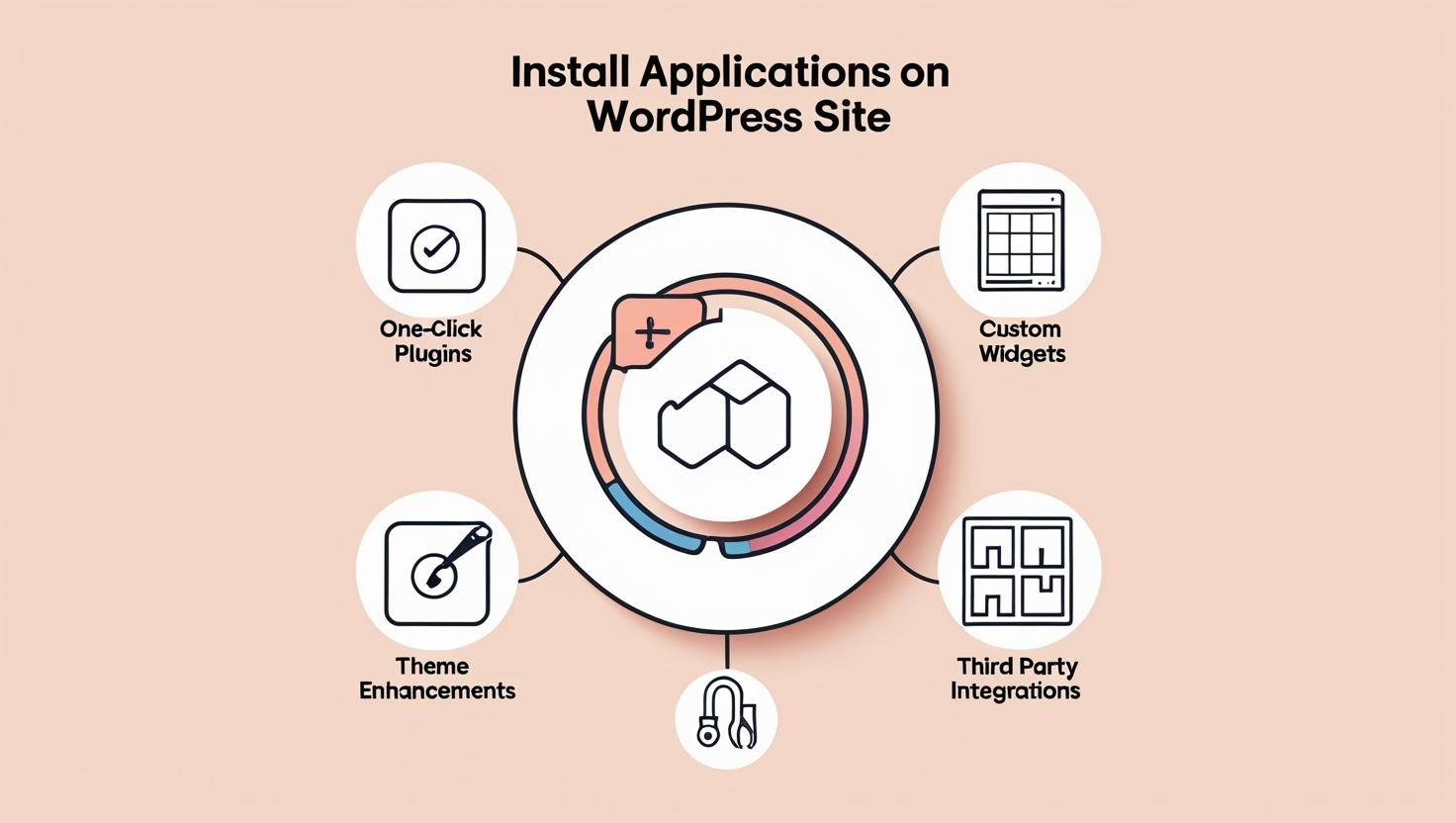
Learn whether users can install applications on WordPress. Understand differences between WordPress.com and WordPress.org, plugin access, and hosting limits.
Learn how cryptographic keys enhance WordPress security through encryption, HTTPS, and authentication salts to protect data, users, and site integrity effectively.
Learn how semantic keywords enhance SEO by improving content context, user intent understanding, and search visibility for better organic performance.
Clear CTAs, fast loading speed, mobile-friendly design, A/B testing, user-friendly navigation, trust signals, and compelling content are key for CRO.
Read this post to learn which goals are available in Google Analytics, including Destination, Duration, Pages per Session, and Event goals, with setup steps.

Read this post to learn how changing your Shopify theme affects SEO, site speed, and rankings, plus practical steps to protect your store’s search performance.
Learn how to add geo tags to your Google My Business page using tools like GeoImgr and Pic2Map to improve map visibility and strengthen local SEO results.