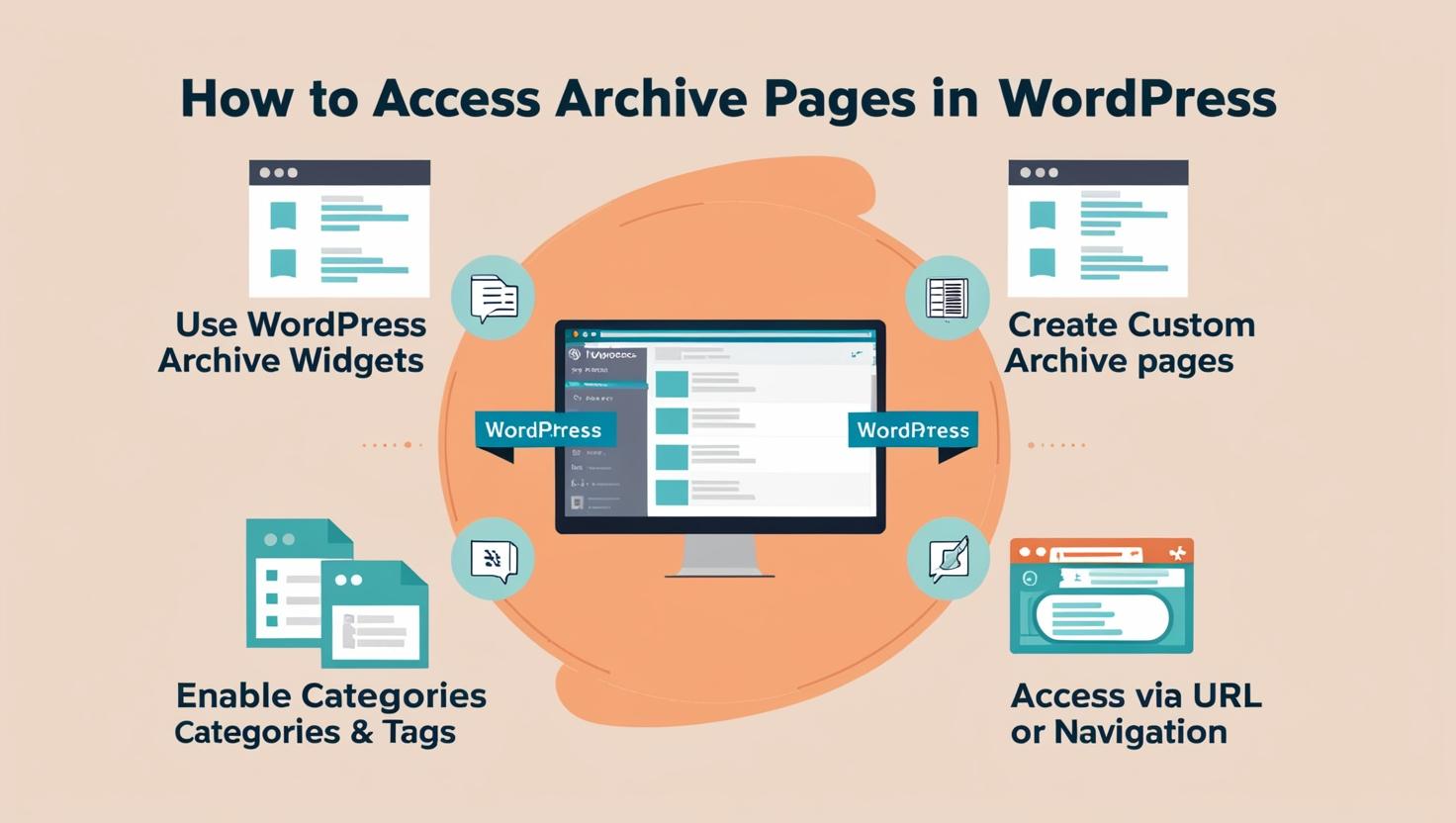
How to Access Archive Pages in WordPress for Better SEO & UX
Learn how to access and optimize archive pages in WordPress to improve navigation, enhance user experience, and boost SEO visibility for your website content.

Learn how to access and optimize archive pages in WordPress to improve navigation, enhance user experience, and boost SEO visibility for your website content.
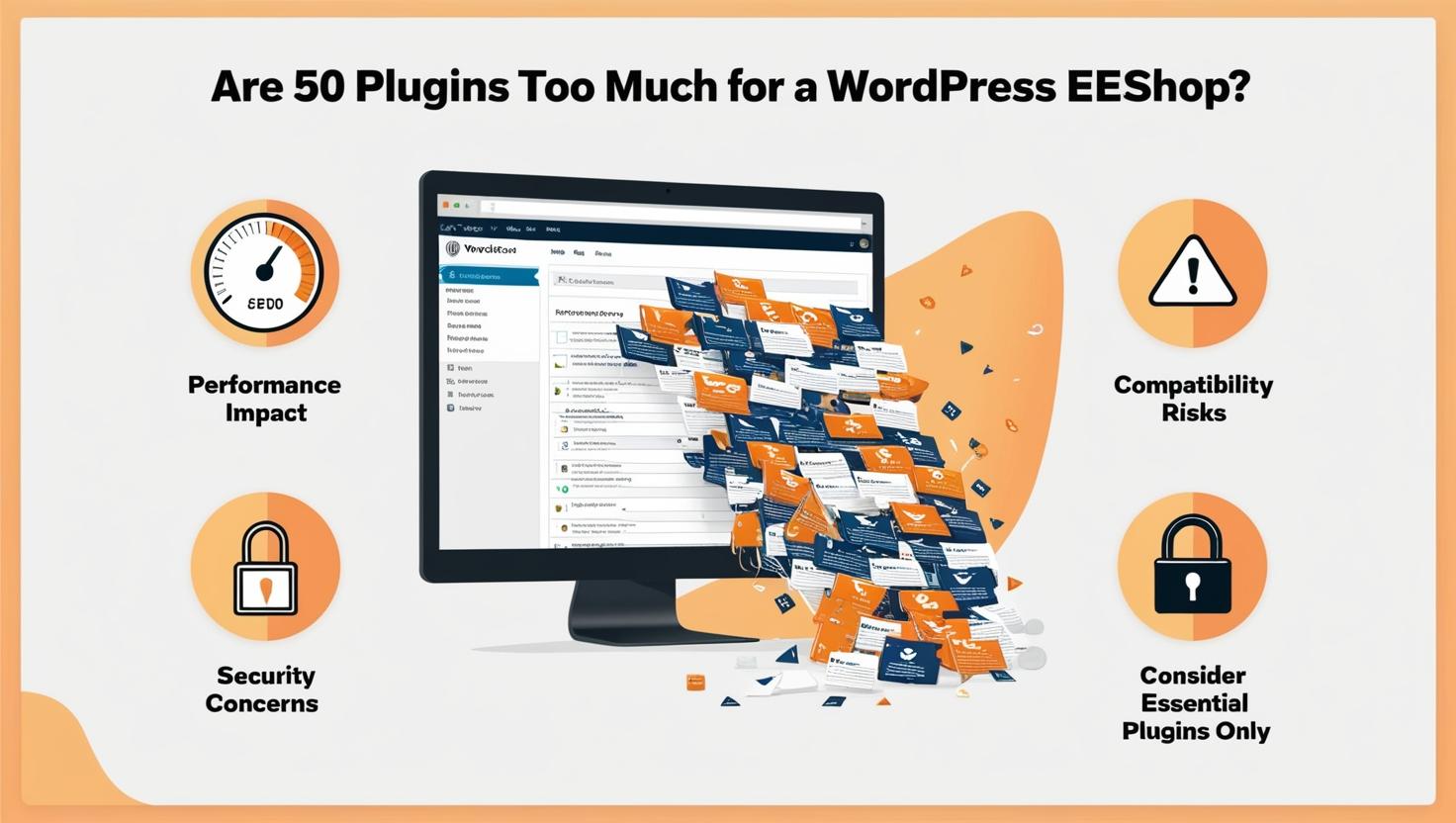
Discover how using 50 plugins affects your WordPress eShop’s speed, security, and performance, and learn smart ways to optimize plugins for faster loading.
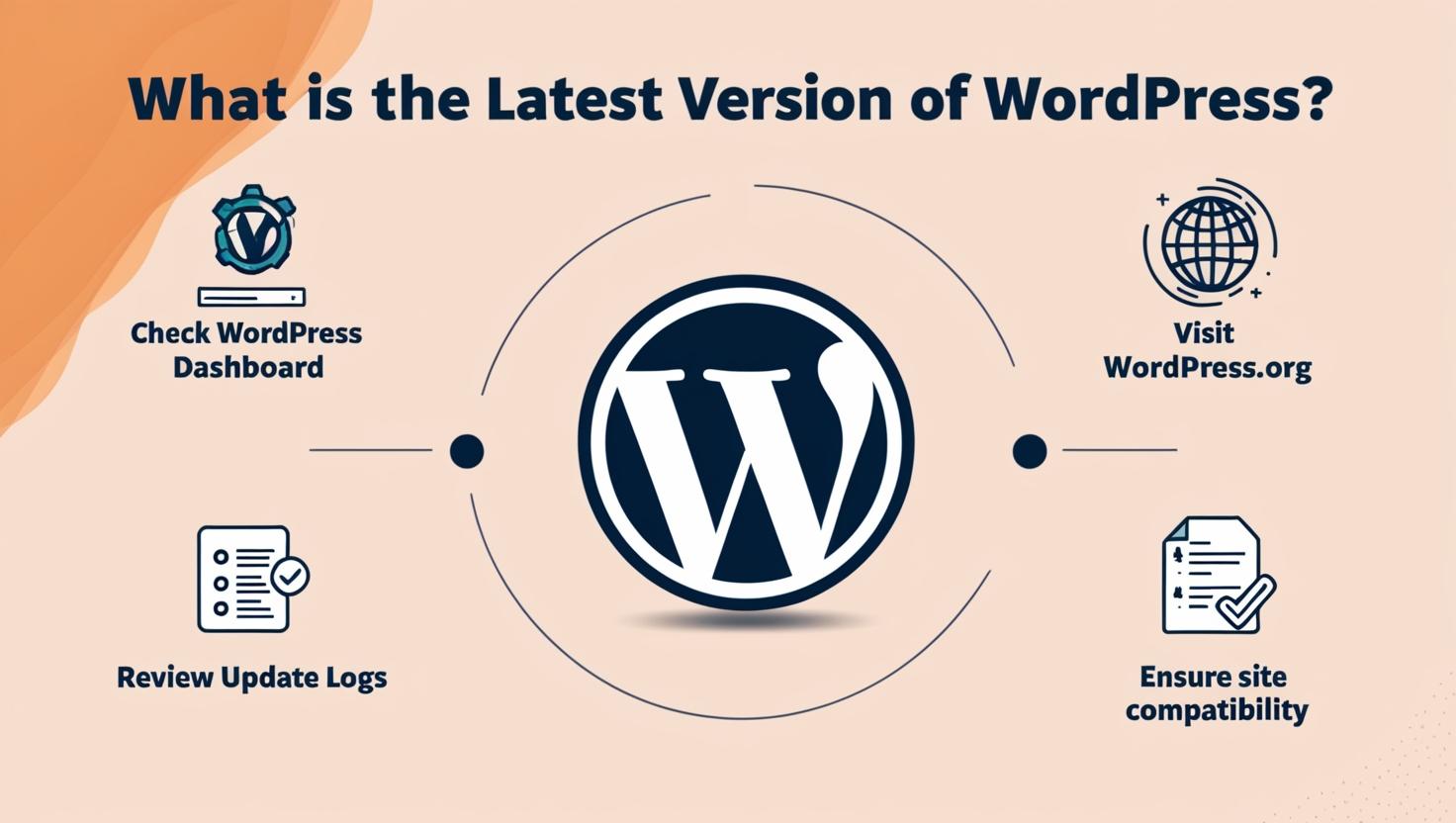
Discover the latest WordPress version, its new features, performance upgrades, and simple steps to safely update your site for security and better usability.
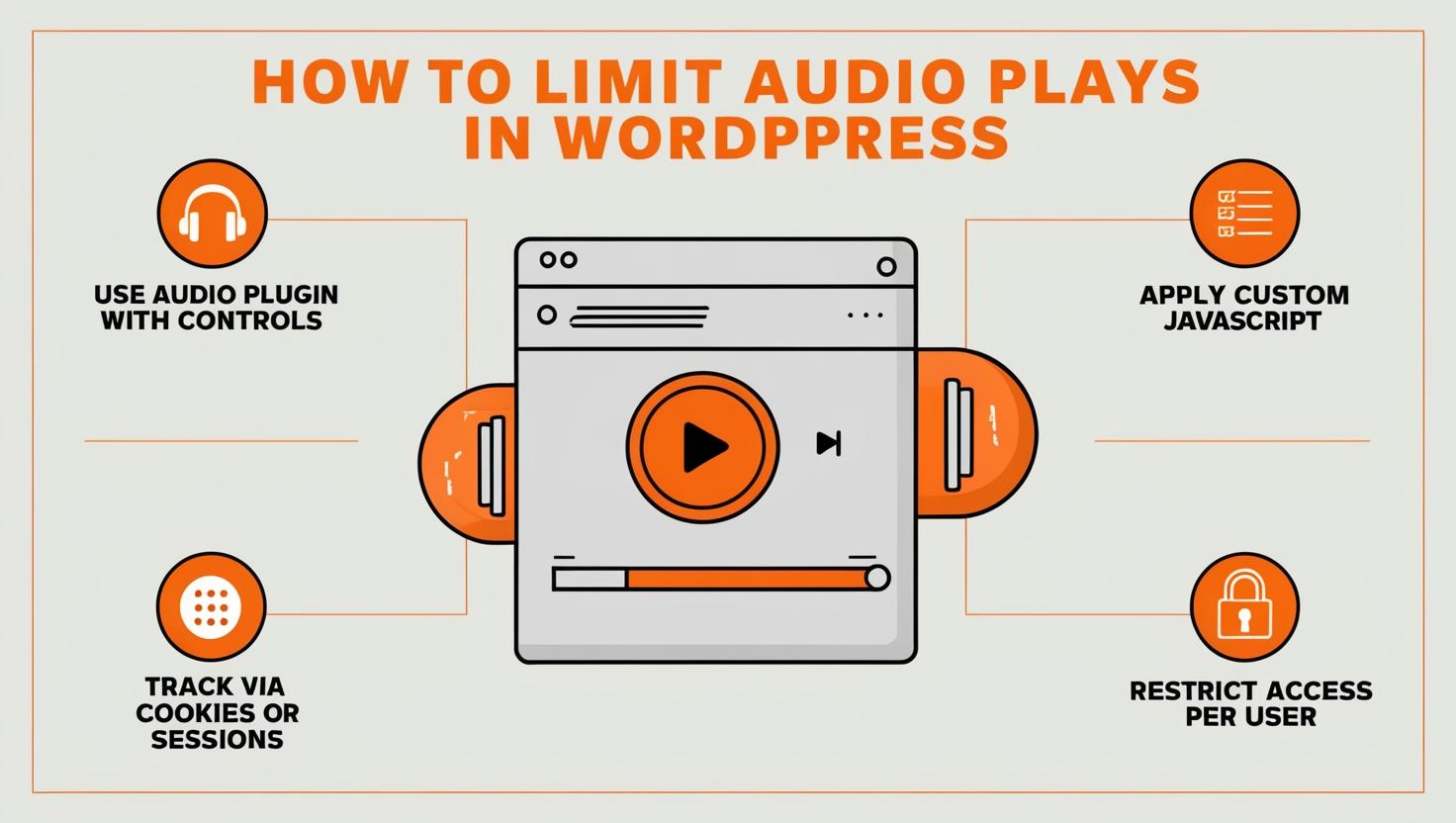
Learn how to limit audio plays in WordPress. Disable autoplay, set time limits, and add user-friendly controls using plugins or shortcodes for better control.
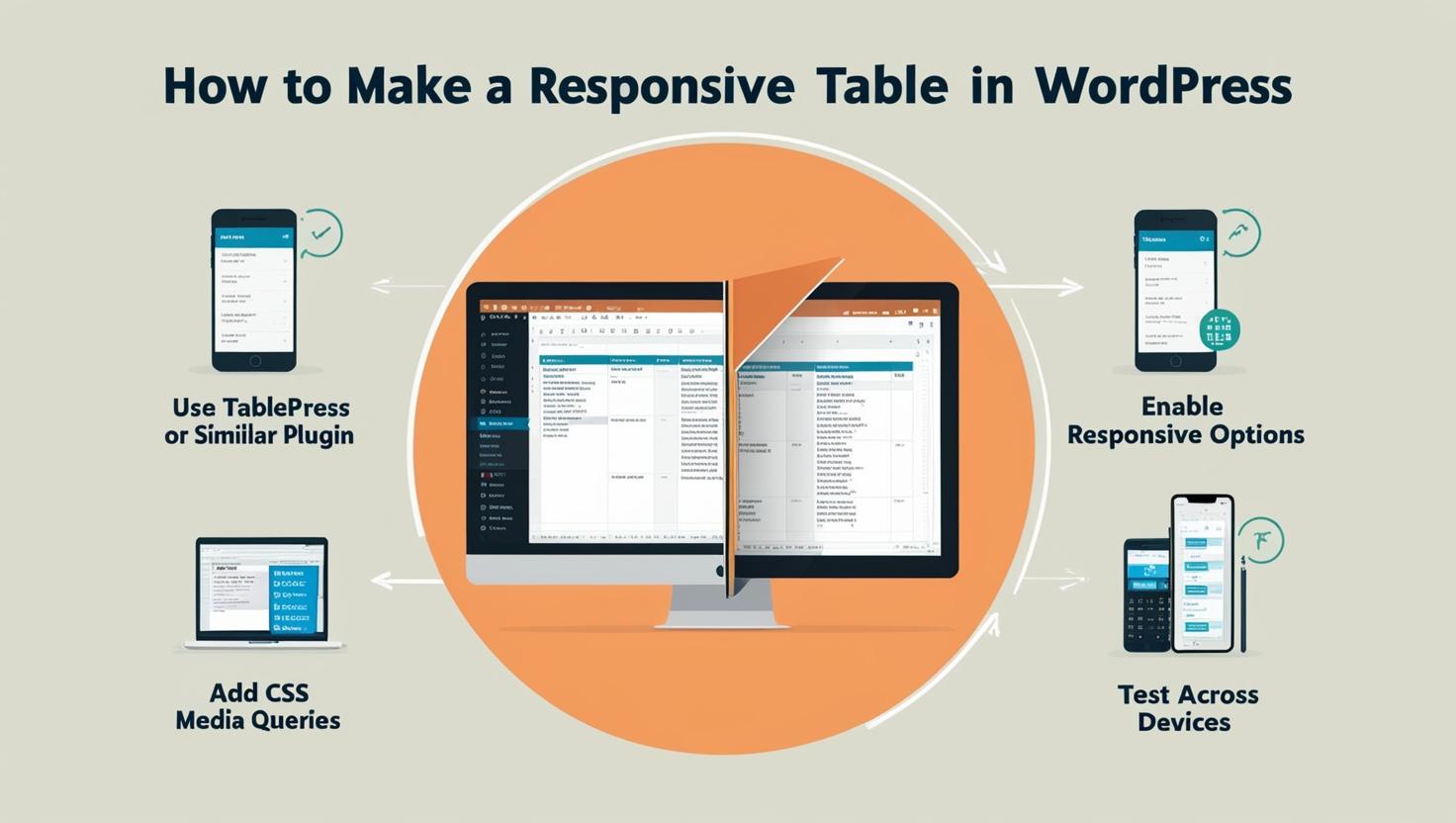
Learn how to make a responsive table in WordPress using the block editor, TablePress plugin, or custom HTML to ensure smooth display across all devices.
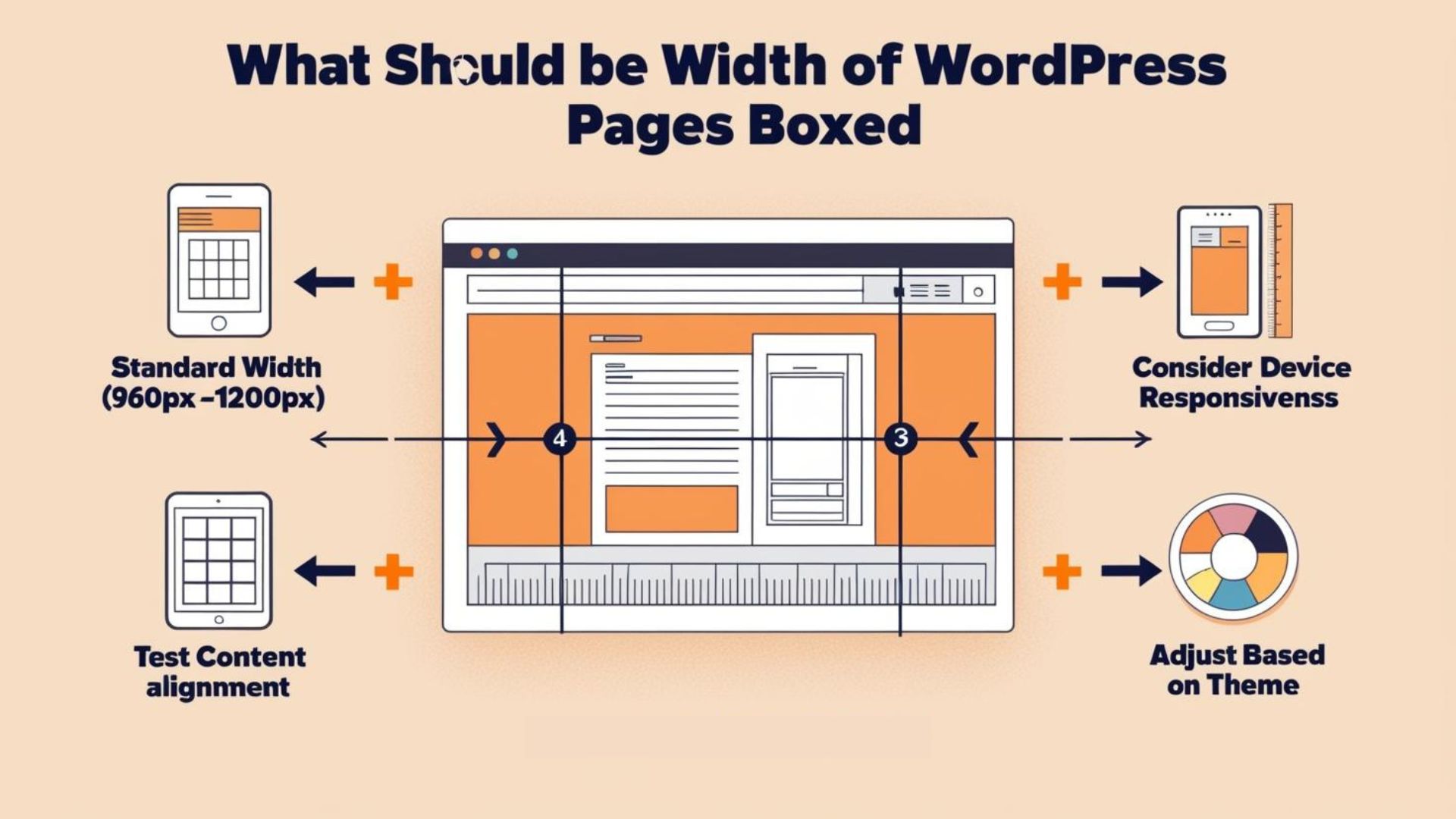
Learn how to choose the perfect boxed width for your WordPress pages. Explore layout options, design balance, and tips to create a clean, user-friendly website.
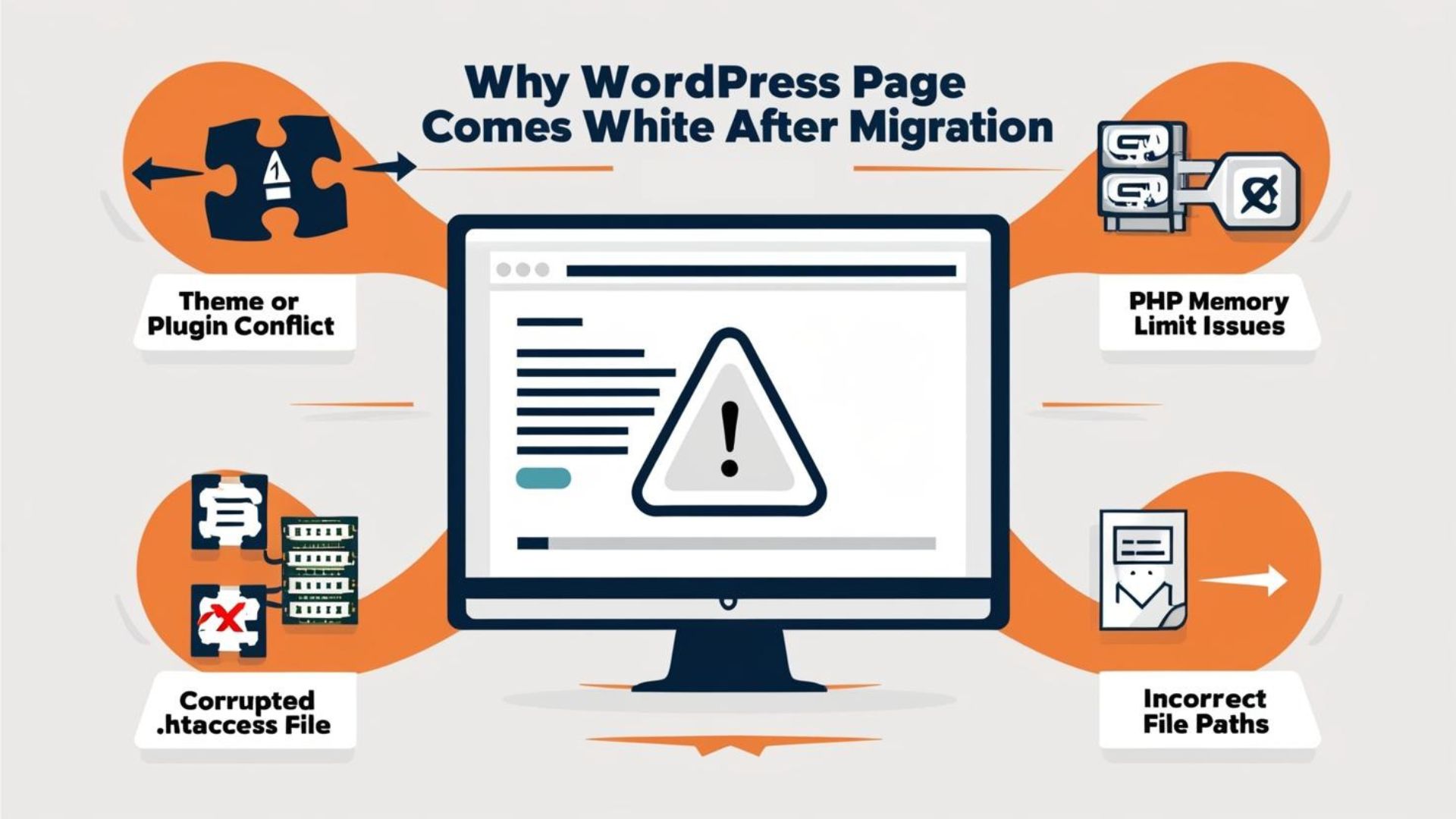
Discover why your WordPress page turns white after migration: detect PHP errors, plugin conflicts, .htaccess or DB issues; apply fixes to restore the site.
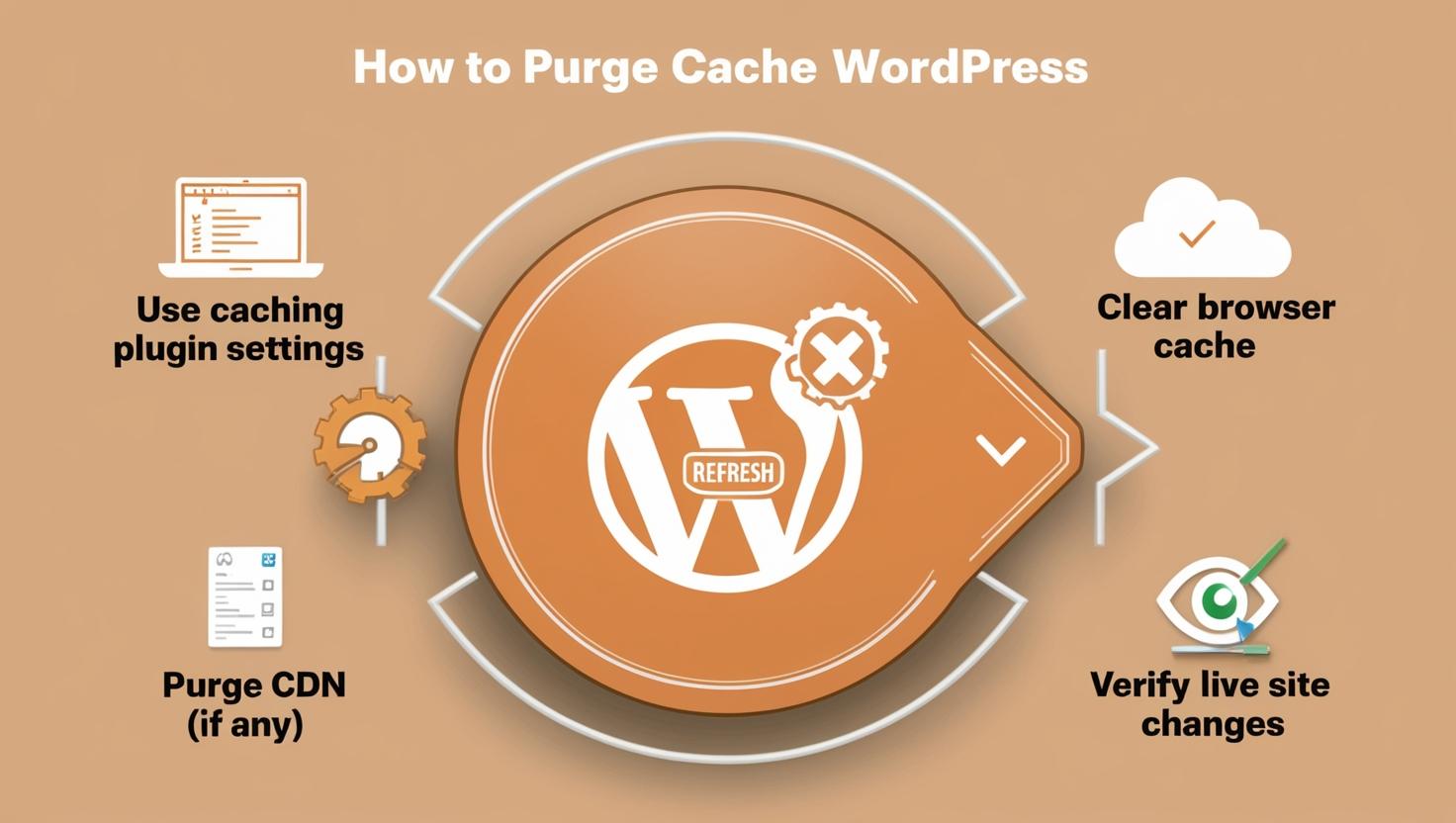
Learn how to purge cache in WordPress using plugins, hosting tools, and CDNs. Improve site speed, fix display issues, and ensure users see fresh content.
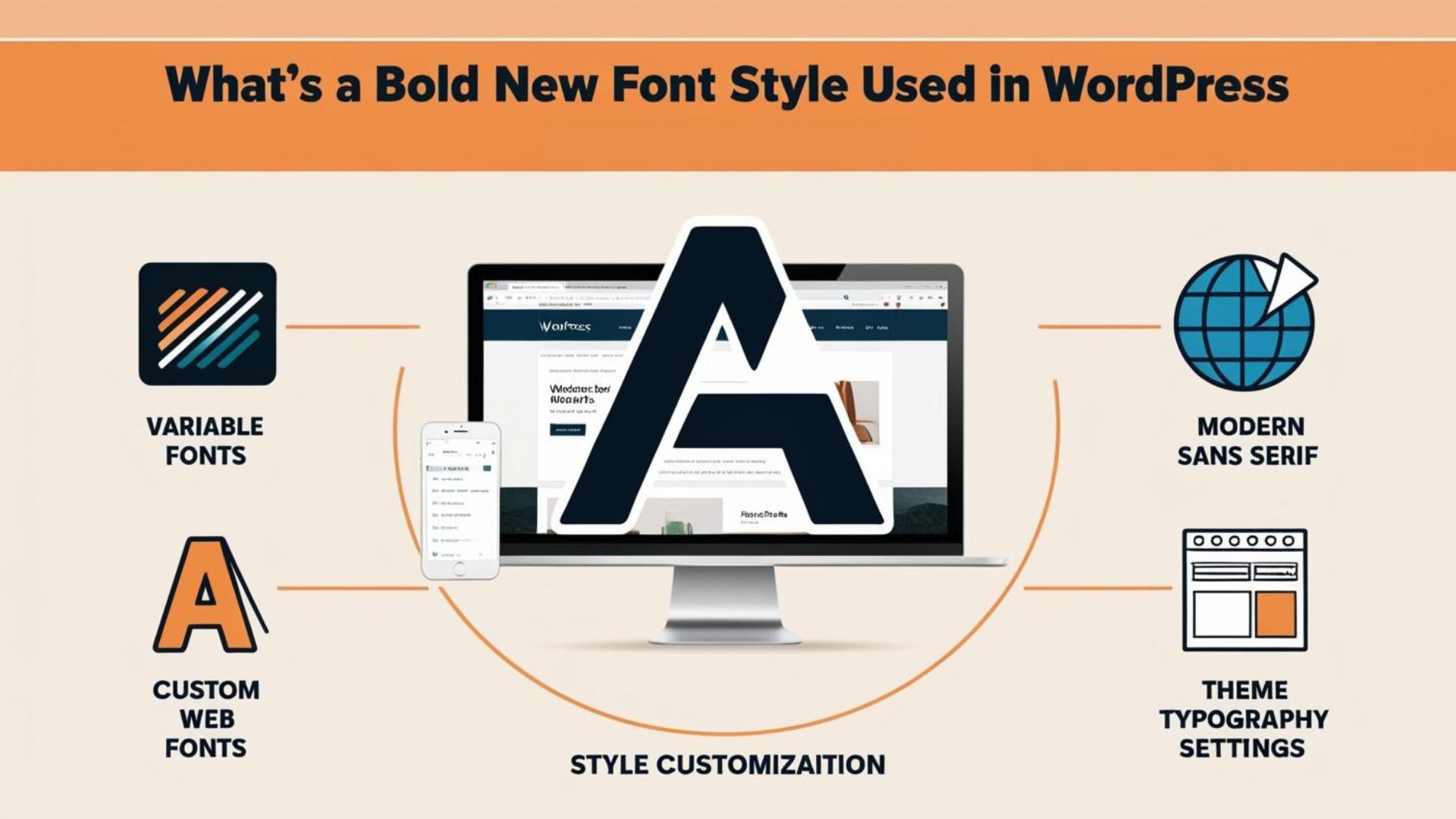
Discover the bold new font styles transforming WordPress design. Learn how modern typography boosts readability, visual appeal, and brand identity online.