
You’ve just generated ten posts in an afternoon, and for an hour it feels like the content calendar is finally solved. Then you open the drafts. One targets the wrong search intent, three repeat the same examples, two contain claims nobody can verify, and several still need internal links, images, metadata, and a real call to action.
That gap between a fast draft and a publishable post is where an AI blog generator earns or wastes its subscription. Adoption is already broad, and in 2025, 87% of 879 surveyed content marketers said they use AI to create or help create content, according to Ahrefs. Speed alone therefore isn’t a differentiator.
I judge the tools below by what happens after generation. Does the tool start with live SERP research or only a keyword? Does it preserve your brand voice, suggest useful links, and publish cleanly to your CMS? And does its pricing still make sense once you account for the editing hours you’ll need before each article can rank and convert?
Table Of Contents
Table of Contents
- 1. Outrank
- 2. Frase
- 3. Writesonic
- 4. Jasper
- 5. Copy.ai
- 6. Rytr
- 7. Anyword
- 8. Surfer
- 9. Scalenut
- 10. Byword
- 11. Article Forge
- How the 11 AI blog generators compare on price, free access, and best fit
- Choosing the Tool That Matches Your Publishing Workflow
1. Outrank

Outrank is built for the whole job small teams struggle with: turning a keyword into an article, handling SEO optimization, adding custom on-brand images, and moving the result toward publication instead of leaving a bare draft in a doc. That matters after generation, when formatting, visuals, and metadata usually decide whether a “done” post is close. You can test that fuller workflow with Outrank’s free blog generator before paying for a heavier process.
Its keyword research and content customization are the practical center. The pitch is long-form articles shaped around search topics and your brand voice, which can cut structural rewriting and tone repair even though source checks stay on you.
Where Outrank Fits Best
Publishing goes direct to WordPress, Webflow, and Notion, useful if copy, formatting, and image placement currently eat an hour per post. Multi-user access, AI rewrite tools, API integrations, and 24/7 support through a dedicated channel fit a recurring publishing schedule better than occasional experiments.
- Best fit: founders, lean marketing teams, and ambitious professionals who need SEO content handled as one connected process.
- Watch out: a fuller package is wasted if you only want a cheap outline tool, and every draft still needs source checks and your own examples before it goes live.
2. Frase
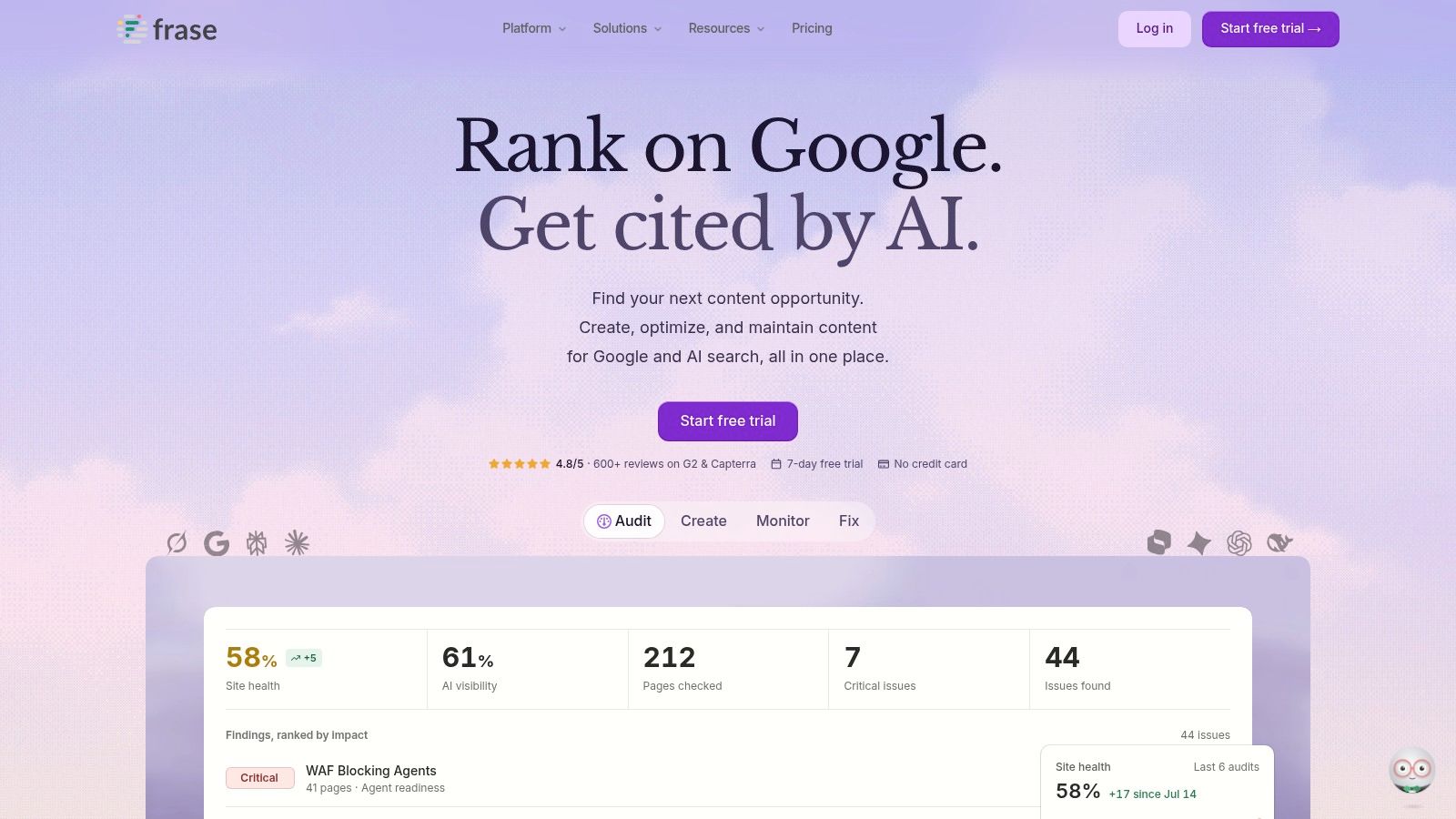
Start with research if your current drafts keep missing the SERP. Frase combines SERP research, article briefs, long-form drafting, and in-editor SEO optimization, so an editor can see what competing pages cover before approving an outline. Drafting first and retrofitting keywords later costs more editing time than that order does.
The Content Marketing Institute’s 2024 B2B research found 51% of generative AI users brainstormed topics and 45% researched headlines and keywords, per the Content Marketing Institute. Frase runs those stages inside one workflow, then adds brand voice, live SEO and GEO scoring, and publishing to WordPress and Webflow. The scoring earns its place after the first draft: a low number usually means the draft skipped subtopics that competing pages already cover.
The Trade-Off
Its content monitoring and suggested updates pay off after publication, when a post starts losing relevance. Treat the optimization score as one input. A high number still doesn’t prove a page deserves to rank. If you publish only occasional non-SEO posts, Frase may be more system than you need, and article or audit limits vary by plan. Frase’s own pricing page lists plans starting at $39 per month billed yearly, with a 7-day trial that doesn’t require a credit card, so confirm current terms on the Frase site before subscribing.
3. Writesonic
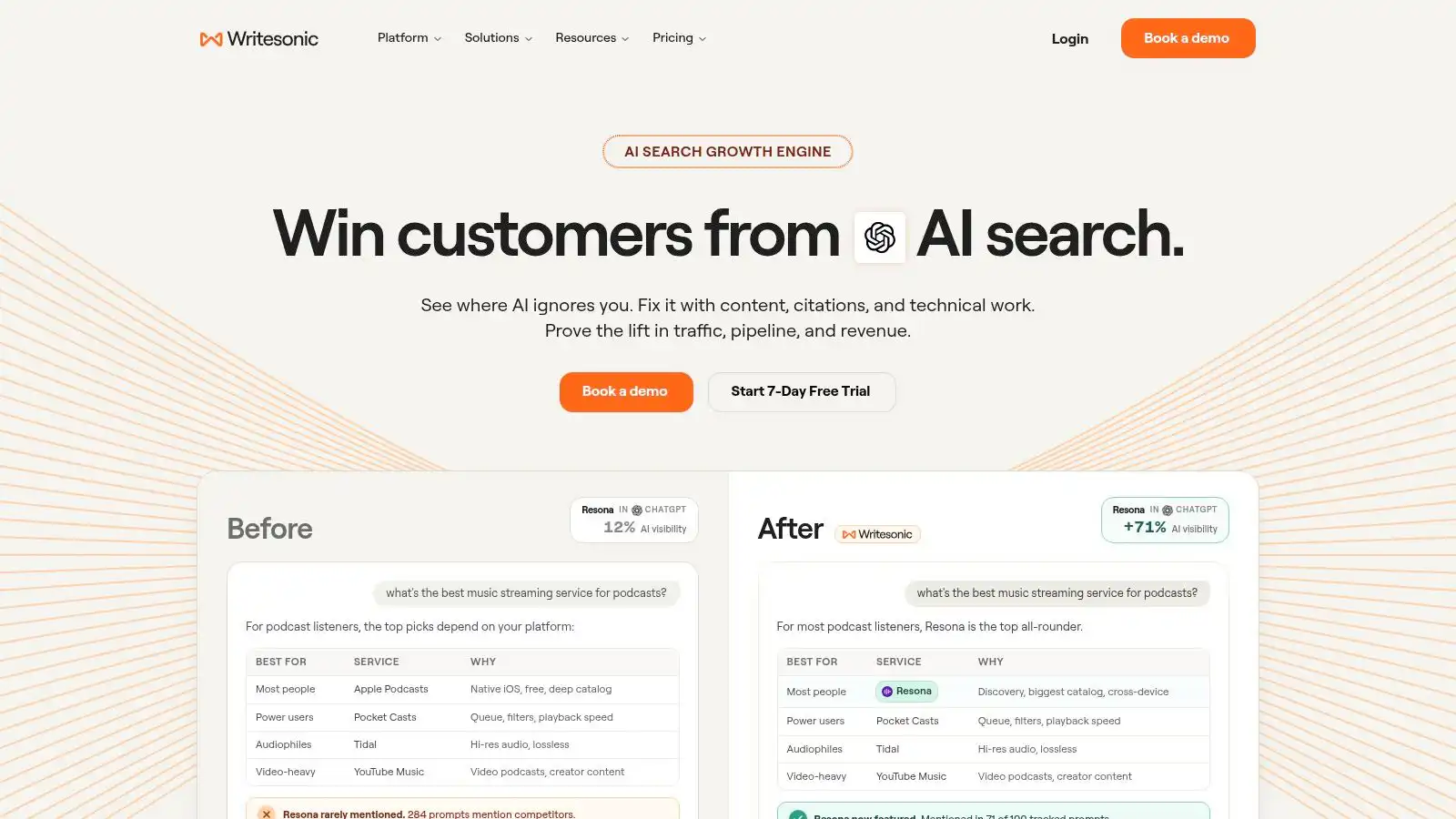
Writesonic makes more sense when blog writing is one part of a broader visibility problem. Its AI Article Writer sits inside a platform that also covers SEO and AI-search visibility, so the question shifts from whether a draft reads well to whether the topic fits how people now discover answers. For a site chasing search traffic, that framing changes which posts you commission in the first place.
The editing load is where I’d judge it. Depending on your plan and product version, article controls can add tone settings, citations, FAQs, internal links, images, and calls to action. Those extras matter after the draft, because a missing FAQ or a weak next step usually means another pass through the document. WordPress integration removes the formatting handoff that slows down publishing.
Practical rule: citations don’t end fact-checking. Open each source, confirm it supports the exact claim, and replace anything vague before the post enters your CMS.
The downside is breadth you may never use. If you only need two blog drafts a month, a platform built around search visibility is more tool than the job requires, and the pricing reflects that scope. Its public plans are listed on Writesonic’s website at $79, $199, and $399 per month, with Enterprise pricing by quote, and article access, volume, and collaboration features depend on the tier you choose. Before committing to a weekly publishing schedule, check how many articles and SEO checks the entry tier includes.
4. Jasper
Brand managers usually don’t complain that AI writes too slowly. They complain that every draft sounds like a different company. Jasper addresses that specific problem with brand voice built from supplied text, files, or URLs, plus workspace guidance covering products, audiences, and style.
Feed it strong examples and Jasper can keep terminology and positioning more consistent across blog outlines, full posts, and other marketing work. That consistency is valuable when several people generate copy, because the editor edits facts and argument instead of rewriting every sentence into your house style. Our guide to AI versus human SEO writing is useful here, because brand control and editorial judgment aren’t the same task.
What to Verify in the Trial
Jasper advertises a 7-day Pro trial. Use it on a page that requires product knowledge, not a generic listicle, and count how many factual corrections your reviewer makes. Shared workspaces suit teams, while advanced Business capabilities and API access may involve credits or a custom plan. It costs more than basic writers, so it earns its place only when consistency across channels is a real bottleneck.
5. Copy.ai
Copy.ai is less a single article button than a way to standardize repeated content work. Its workflows can turn keywords into briefs, briefs into blog posts, refresh older pieces, and repurpose published articles. If your team repeats those steps every week, the setup time may pay for itself.
That workflow view matters because mature teams get less value from raw text alone. In the 2025 Basis survey of marketing and advertising professionals, 95% reported using generative or agentic AI at least once, yet only 30% expected content creation to be the digital-marketing area most affected by AI. Analysis, review, and process integration are where the repeat savings sit.
Copy.ai also offers editing and review workflows with internal guidelines, AI chat, and automation. That strength creates its main weakness. You need to design the process, define approval points, and maintain the rules, and higher-volume workflow features sit on substantially more expensive plans. For a solo blogger who wants a dedicated SEO editor, it’s the wrong shape. For an operations-minded team, it’s one of the more interesting options.
6. Rytr
Sometimes the honest requirement is simple. You need an outline, a rough section, or a rewrite, and you don’t want a content platform. Rytr covers blog posts and other common writing use cases with multiple tones and languages, and it keeps the entry price low enough for early testing.
The free plan includes 10,000 characters per month, while paid plans are listed from $9 per month with higher or removed usage limits. That free allowance disappears quickly on long articles, so use it for titles, outlines, introductions, and short drafts rather than judging a whole publishing program. Before upgrading, compare the cost against the expense in our breakdown of AI blog writer cost, including the editing time you still supply.
- Choose Rytr for: affordable ideation, first drafts, and rewrites where you already have your own keyword research.
- Avoid it for: integrated SERP research, optimization scoring, or hands-off publishing, because those jobs remain outside the core writing assistant.
You’ll still need to verify facts and add search intent, links, and examples yourself.
7. Anyword
What if the draft itself is easy but choosing the stronger headline, intro, or call to action is where your team stalls? Anyword pairs a Blog Wizard and plagiarism checker with marketing-copy tools and, on some plans, performance predictions for comparing copy options before you publish.
That shape suits marketers who write blog posts alongside landing pages, ads, and other conversion copy. Brand voice and content improvement tools help hold tone consistent across channels, while templates, multiple languages, and a Chrome extension cover quick jobs outside the main editor. Unlimited generation appears as a feature on some plans rather than across the board, so check the tier you’re pricing, because analytics and team features sit in higher levels.
Don’t Overread the Score
A prediction is still an estimate. It can shortlist headline variants, but it can’t replace live testing, search data, or a reviewer’s knowledge of your buyers. Anyword also focuses on marketing performance rather than deep SEO research, so plan on a separate tool for SERP analysis and topical planning if your drafts need that grounding.
Its free trial is limited in usage, which is enough to test one serious draft and a few headline alternatives.
8. Surfer
Surfer starts from the opposite end of the workflow. It’s an SEO content platform first, with AI article generation connected to content optimization, keyword research, and topical planning. That structure suits teams whose drafts fail because they cover the wrong subtopics, not because the sentences are weak.
You can generate new articles on eligible plans or work inside content documents to improve existing pages. SEO guidance and internal-linking features on some tiers make the editing pass more systematic, especially when you manage a cluster rather than isolated posts. Plans start at $49 per month billed yearly, with article and document limits varying by tier.
An optimization checklist can show you what’s missing. It can’t tell you whether a sentence sounds forced, whether an example proves your point, or whether a claim should be there at all.
That’s the caveat. Following every recommendation mechanically can produce stiff, keyword-heavy prose. Use Surfer to find coverage gaps, then let an editor decide which suggestions serve the reader. If you only need a general AI writer for emails and social copy, its SEO focus is also narrower than you may want.
9. Scalenut

Ongoing programs need maintenance, not just more drafts. Scalenut combines AI-assisted creation and optimization with keyword planning, topic clusters, content audits, and visibility tracking on certain AI-search surfaces. That broader view helps you spot a decaying page or a missing cluster article before you commission another generic post.
Sector matters when you judge those AI-search features. Research tracking 25,685 domains and more than 120 million AI-citation instances across 61 industries found generative-search visibility uneven, with B2B software moving faster than local trades and regulated sectors, according to Search Atlas. A SaaS team may value that tracking highly. A local service business may get more from strong service pages and traditional rankings.
Costs and Limits
Scalenut offers tiered paid plans, but pricing, promotions, article volume, and visibility limits change often, so check its current pricing page before subscribing. Higher tiers add auditing, internal-linking, and auto-publishing features. I’d weigh it for a team refreshing an existing library rather than a solo blogger starting from zero: the audits and tracking pay off when you have pages worth maintaining, and they sit unused when you publish occasionally.
10. Byword
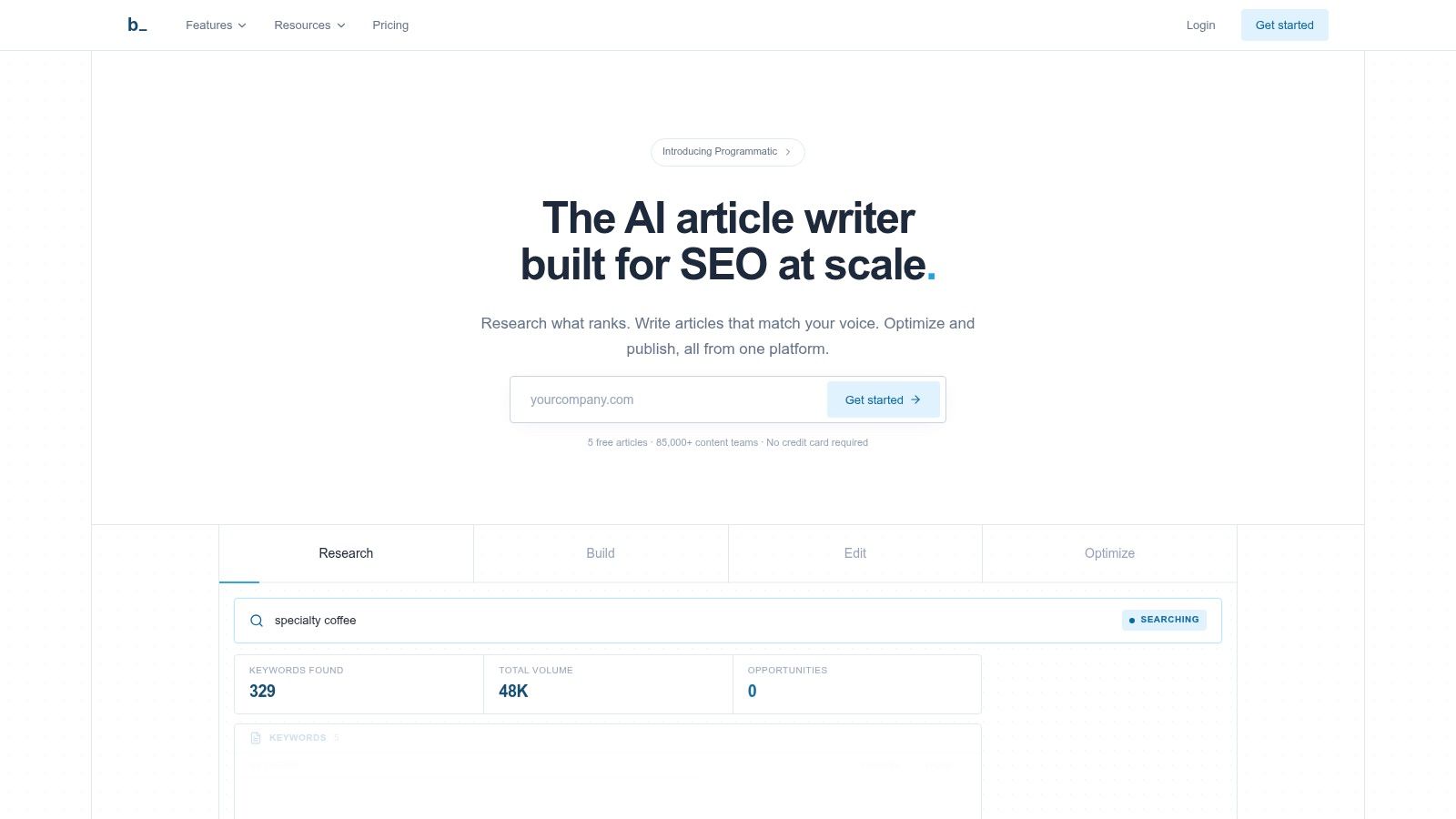
Byword is built for volume, and it doesn’t pretend otherwise. You start with a topic or keyword, then the workflow can pull in keyword research, competitor analysis, brand voice learned from existing content, bulk generation, and direct CMS publishing. Agencies and teams with a steady queue will feel the benefit sooner than a solo blogger.
Parallel output only helps when review keeps pace. In a 2025 survey of 400 senior marketing executives, 67% frequently or continually used AI tools for content creation, yet that adoption hasn’t removed the need for editorial review. Byword can run articles in parallel and publish to several CMS platforms. A subject-matter reviewer still needs to check claims, examples, and commercial fit on every post, so a faster draft queue means a heavier editing bench, not a lighter one.
Forecast your monthly article count before choosing a plan, because usage limits shape the cost per publishable post, and that cost climbs when your volume stays modest. Check the trial terms before subscribing, then spend any trial articles across different intent types, such as a guide, a comparison, and a service-related post. Measure revision time on each one. That number tells you more about fit than the draft quality alone, since a tool that ships clean informational posts but needs heavy rework on commercial pages only suits half a publishing calendar.
11. Article Forge
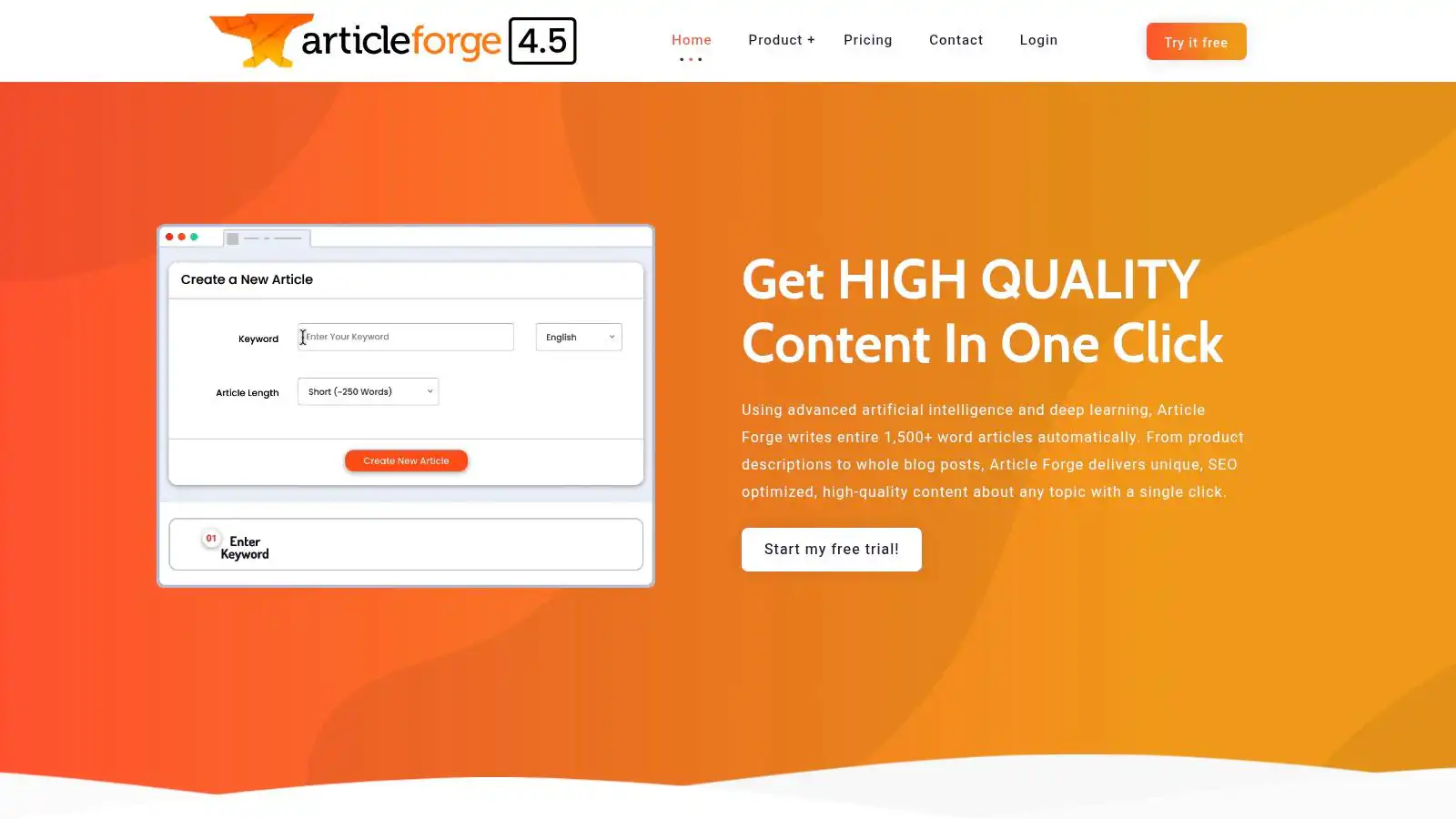
Speed is the entire pitch with Article Forge. It generates long-form articles from keywords, supports bulk creation, and adds WordPress posting plus API access. For a team running a large draft queue with a disciplined review bench, that automation removes real setup work.
The listed Standard plan includes 250,000 words per month and one user, with a 5-day trial and a stated 30-day money-back guarantee. Business plans add custom volume and extra user accounts. That word count looks generous until you convert it into editor hours. Because drafts start from a keyword rather than SERP research, every article still needs fact-checking, internal links, images, and an intent pass before it is publishable. Budget that review time per post, or the automation just moves the bottleneck downstream.
- Strongest use: high-volume draft production connected to WordPress or an API-driven workflow.
- Main risk: less hands-on control over sources and structure than research-first tools, especially when a topic needs original expertise.
If you’re building that kind of system, map the guardrails in our guide to an automated SEO content pipeline before scaling output.
How the 11 AI blog generators compare on price, free access, and best fit
Price only predicts fit when it is read against edit load. A $9 drafting plan can cost more than a $79 research-led plan if every article needs manual SERP work, source checks, internal links, and image decisions before it can ship. Use the free access column to test the same bottleneck you already have: weak briefs, thin coverage, inconsistent voice, or too much unpublished volume.
| Item | Starting Price | Free Option | Best For |
|---|---|---|---|
| Outrank | Plan-based | Free blog generator | Automated SEO content and publishing |
| Frase | $39/month, billed yearly | 7-day trial | Research-led SEO content |
| Writesonic | $79/month | Trial-led evaluation | Blog writing with SEO and AI-search tools |
| Jasper | Plan-based | 7-day Pro trial | Brand-consistent team marketing content |
| Copy.ai | Plan-based | Trial-led evaluation | Repeatable content workflows and repurposing |
| Rytr | $9/month | Free plan with 10,000 characters/month | Affordable drafts, outlines, and rewrites |
| Anyword | Plan-based | 7-day trial, up to 2,500 words | Marketing copy and performance comparisons |
| Surfer | $49/month, billed yearly | Trial-led evaluation | Writing and on-page SEO optimization |
| Scalenut | $59/month | Trial-led evaluation | Ongoing SEO and GEO content programs |
| Byword | Plan-based | Five free trial articles | High-volume SEO article production |
| Article Forge | Plan-based | 5-day trial | Bulk article generation and publishing automation |
The clean split is drafting speed versus editorial control. Rytr and Writesonic lower the cost of getting words down; Frase, Surfer, and Scalenut pull more research and optimization into the draft; Jasper, Copy.ai, and Anyword aim at consistency across repeatable marketing work. Outrank, Byword, and Article Forge sit closer to production systems, where volume only pays off when review capacity keeps pace.
Choosing the Tool That Matches Your Publishing Workflow
Start with your publishing volume, not the feature list. A founder publishing two posts a month needs a short path from brief to CMS, which makes Outrank or a low-cost drafting tool more sensible than a broad operations platform. A team publishing every week should care more about research depth, brand controls, refresh workflows, and how article limits affect cost.
Next, match the tool to the kind of editing you currently repeat. Choose Frase or Surfer when drafts miss SERP coverage, Jasper when voice drifts between writers, and Copy.ai or Scalenut when the problem is process and maintenance. Choose Byword or Article Forge only when reviewers can keep up with volume, because unpublished drafts sitting in a queue don’t create visibility.
Risk should set the ceiling on automation. Cross-market research found 53% of consumers accept AI-generated entertainment content, but acceptance fell to 21% for news reporting, and 86% considered AI disclosure important, as reported by PRWeek. Legal, medical, financial, and reputation-sensitive topics need accountable human authorship and review, even when AI helps with an outline.
Your Pre-Publish Check
Give every AI blog generator the same final gate. Confirm the page matches one clear search intent, verify each factual claim against a primary source, add an original example or firsthand detail, and insert internal links that help the reader take a logical next step. Then check metadata, headings, images, and the call to action against the buyer stage you’re targeting.
Measure success with indexed rate, non-brand clicks, qualified sessions, assisted conversions, and revision hours per article, not word count alone. Pricing and plan limits change often, so verify current terms on the vendor’s site before you subscribe. A cheaper tool that leaves three hours of repair per post is rarely cheaper.
If you want AI-assisted content connected to technical SEO, keyword clusters, and revenue reporting instead of a pile of unmeasured drafts, talk to XSquareSEO about a structured content program. Request an audit, bring your current publishing workflow, and get a prioritized plan that ties each article to a search opportunity and a measurable business outcome.