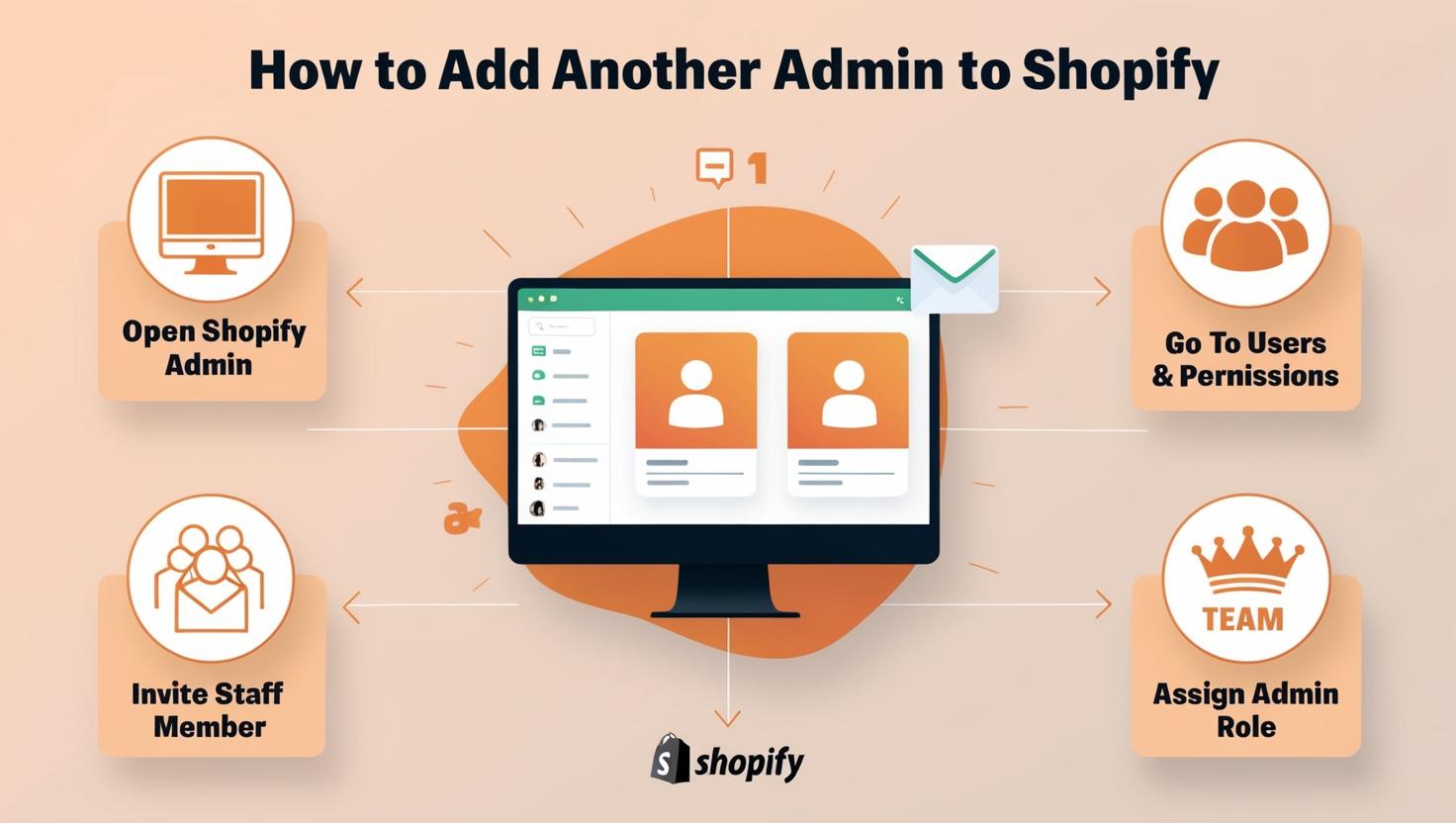
How to Add Another Admin to Shopify for Efficient Store Management
Learn how to add another admin to your Shopify store, assign roles, set permissions, and manage secure access for smoother daily store operations.

Learn how to add another admin to your Shopify store, assign roles, set permissions, and manage secure access for smoother daily store operations.
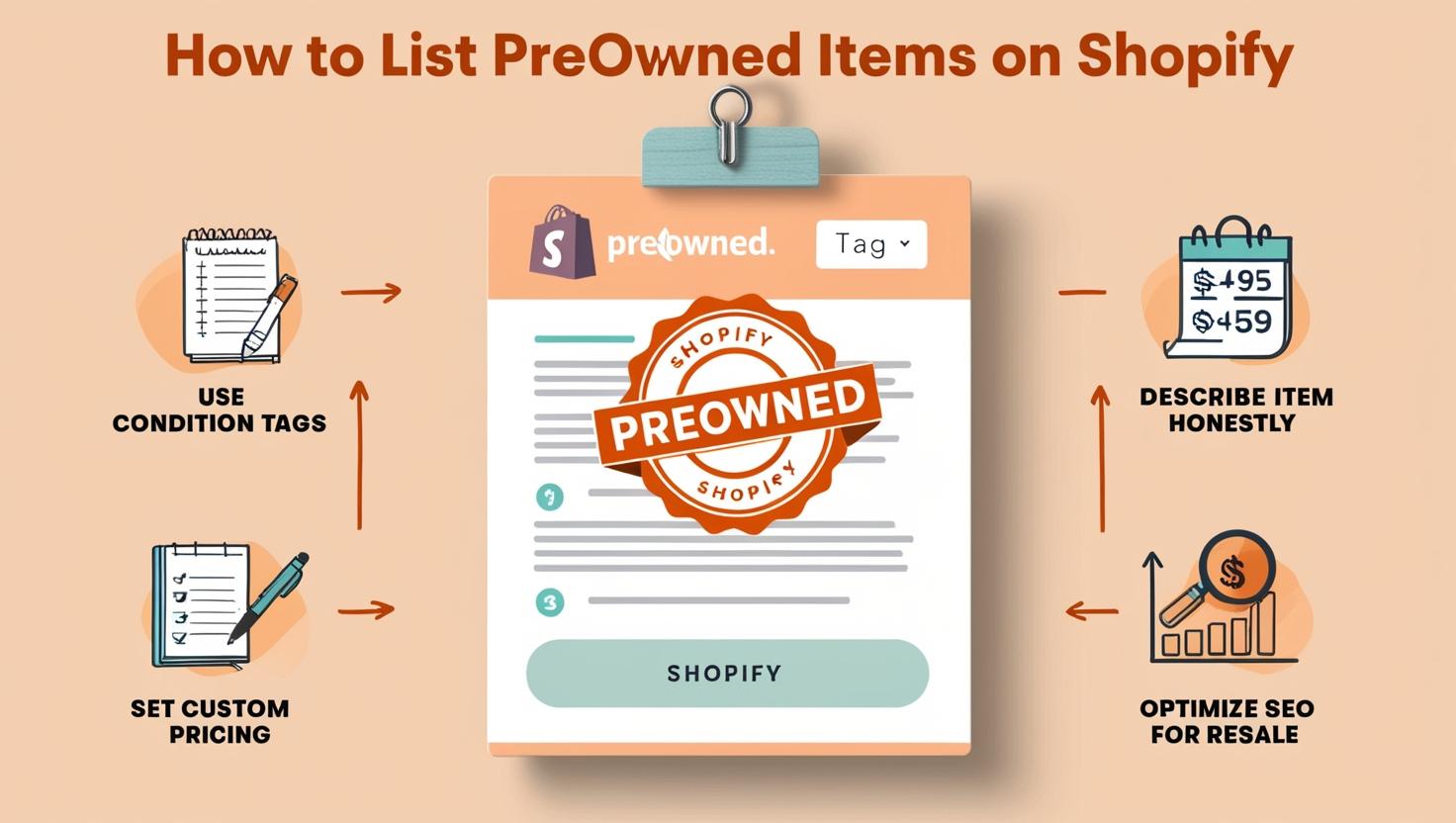
In Short: Use Shopify’s product listings, clearly mention item condition, add high-quality images, set fair pricing, and enable secure checkout

In Short: In Shopify admin, go to Online Store → Navigation. Set product page as homepage using URL redirects or

In Short: Shopify Plus is an enterprise-level eCommerce platform offering advanced customization, automation, and scalability for high-volume businesses. E-commerce businesses

Based in Gujarat, India, serving clients across India, the USA, and the UK.
A company that provides web design and SEO services, Based in Gujarat, India, and serving clients across India, the USA, and the UK.