
Table Of Contents
Introduction
Running a WordPress site today involves more than publishing content. Site owners worry about slow loading pages, security threats, search visibility, backups, spam, and downtime. Managing all of this using separate plugins can quickly become confusing and costly.
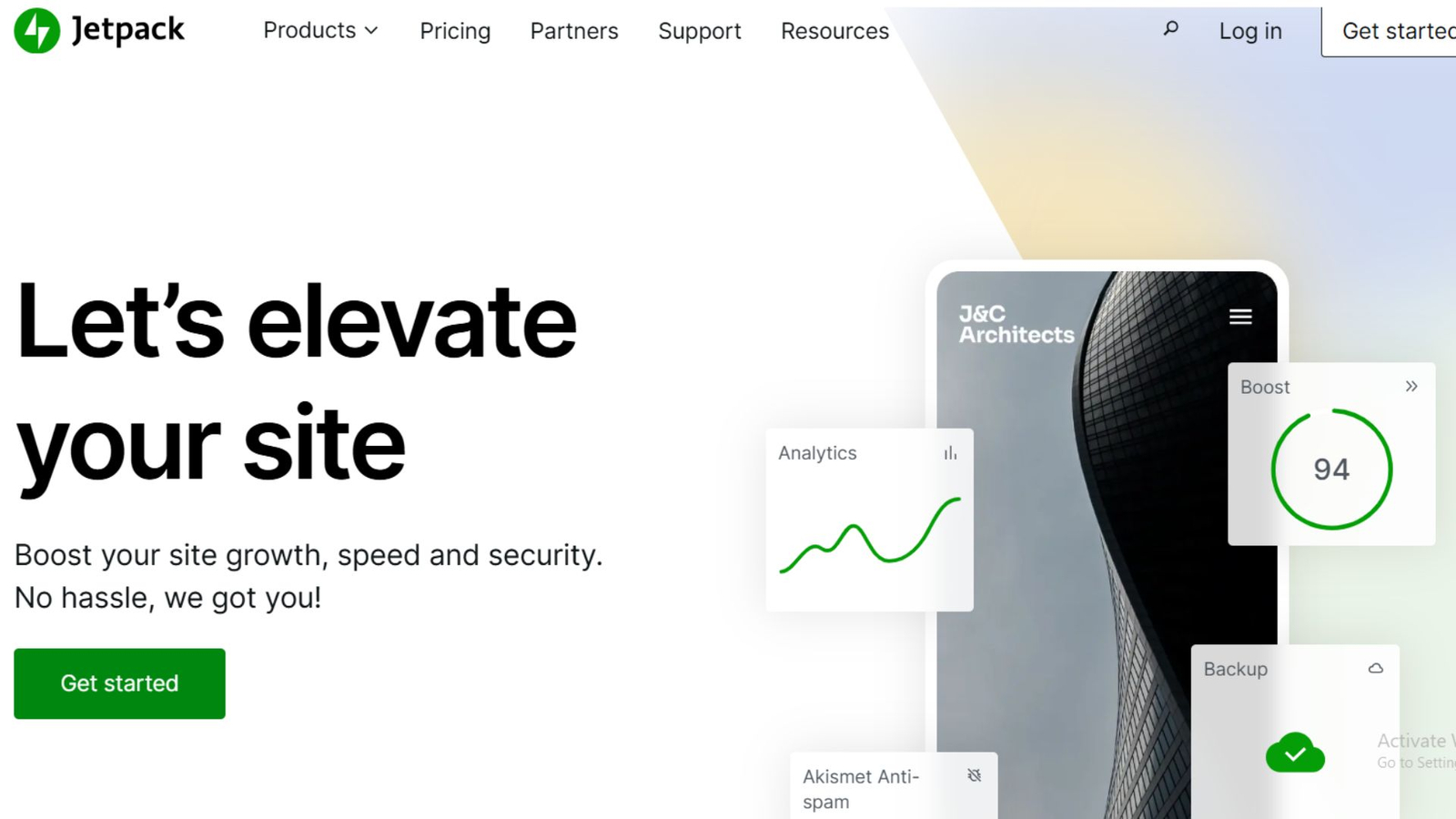
This is where the Jetpack plugin often enters the conversation. Created by Automattic, the company behind WordPress.com, Jetpack aims to bring multiple essential tools into a single plugin. For some site owners, it feels like a helpful shortcut. For others, it raises concerns about speed, control, and cost.
So is Jetpack actually worth using in 2026? Does it slow down your site or help it run better? Can it replace standalone SEO and security plugins, or is it better used as a support tool?
This review takes a practical look at Jetpack’s features, performance impact, SEO tools, and security options. Instead of marketing promises, you’ll see how Jetpack works in real situations, who benefits most from it, and when it might not be the right choice. Whether you manage a blog, a business site, or a growing WordPress project, this guide will help you decide with clarity.
What Is Jetpack and How It Works
Jetpack is a multifunction WordPress plugin that connects your self-hosted WordPress site to WordPress.com servers. This connection allows Jetpack to offload certain tasks, such as image delivery and brute force protection, away from your hosting server.
Core Purpose of Jetpack
Jetpack focuses on four main areas:
- Site performance
- Security and backups
- SEO and traffic growth
- Site management and monitoring
Instead of installing separate plugins for each task, Jetpack bundles them into plans that range from free to premium.
Jetpack Plans Explained
Jetpack offers several pricing tiers:
| Plan | Key Focus |
| Free | Basic stats, downtime monitoring, brute force protection |
| Security | Backups, malware scanning, spam protection |
| Performance | CDN, image optimization, lazy loading |
| Complete | All features combined |
You can also buy certain features separately, which helps if you only need backups or CDN support.
Jetpack Performance and Speed Analysis
Speed is one of the most debated aspects of Jetpack. Some users report improvements, while others fear slowdowns. The truth depends on how Jetpack is configured.
How Jetpack Affects Site Speed
Jetpack includes performance tools that can reduce load time when used correctly:
- Image CDN: Serves images from global servers
- Lazy loading: Loads images only when needed
- Static file CDN: Offloads CSS and JavaScript
- Optimized video hosting: Avoids heavy media hosting
These features reduce strain on your hosting server, especially on shared hosting plans.
When Jetpack Can Slow Things Down
Jetpack may cause issues if:
- Too many modules are enabled
- Hosting is already optimized with a CDN
- Conflicts exist with caching plugins
The key is selective activation. Jetpack allows you to turn off unused modules, which prevents unnecessary background processes.
Real-World Speed Example
A small blog on shared hosting enabled Jetpack’s image CDN and lazy loading. Page load time dropped from 3.2 seconds to 2.4 seconds without changing the theme or host. No extra plugins were needed.
Jetpack SEO Features: What It Offers and What It Doesn’t
Jetpack includes SEO tools, but it is not a full replacement for dedicated SEO plugins.
Built-In SEO Features
Jetpack SEO focuses on essentials:
- Automatic XML sitemaps
- Meta title and description control
- Social sharing previews
- Canonical URLs
- Google Analytics integration
These features cover basic optimization needs for blogs and small business sites.
Jetpack vs Dedicated SEO Plugins
Jetpack does not include:
- Keyword analysis
- Content scoring
- Advanced schema customization
- Internal link suggestions
If SEO is your primary growth channel, Jetpack works best alongside tools like Rank Math or Yoast, not instead of them.
Best Use Case for Jetpack SEO
Jetpack SEO works well for:
- Personal blogs
- Portfolio sites
- Small business websites
- Sites that need simple setup
It reduces complexity for users who want basic optimization without spending hours configuring settings.
Jetpack Security and Backup Features
Security is one of Jetpack’s strongest areas, especially for site owners who don’t want technical setup.
Core Security Tools
Jetpack includes:
- Brute force attack protection
- Downtime monitoring
- Activity logs
- Automated backups
- Malware scanning
- Spam filtering
These tools operate largely in the background, reducing maintenance effort.
Backup and Restore System
Jetpack backups run in real time on paid plans. Every change, including posts, comments, and plugin updates, is saved. Restoring your site takes a few clicks.
This is useful when:
- A plugin update breaks your site
- Malware infection occurs
- Accidental content deletion happens
Security Comparison Example
A site hit by a malicious plugin update used Jetpack’s restore feature to roll back the site in under five minutes. No manual database access was needed.
Jetpack Features Breakdown: What You Actually Use
Jetpack offers many features, but not all are necessary for every site.
Most Useful Jetpack Features
- Image CDN
- Lazy loading
- Downtime alerts
- Backups
- Spam protection
- Activity log
Features You May Not Need
- Social auto-posting (if using social tools)
- Built-in contact forms (if using form builders)
- Site search (for small blogs)
Turning off unused modules helps keep your site lighter and easier to manage.
Dashboard and Usability
Jetpack’s dashboard is clean and centralized. You can manage multiple sites from one WordPress.com account, which is helpful for freelancers and agencies.
Pros, Cons, and Who Should Use Jetpack
Advantages of Jetpack
- All-in-one approach
- Easy setup
- Reliable backups
- Strong spam filtering
- Trusted developer support
Limitations to Consider
- Paid plans can get expensive
- Not ideal for advanced SEO users
- Some features overlap with other plugins
- Requires WordPress.com connection
Who Jetpack Is Best For
Jetpack works best for:
- Beginners managing their own sites
- Small business owners
- Bloggers who want less technical work
- Site owners on shared hosting
Who Should Avoid Jetpack
Jetpack may not suit:
- Developers who want full control
- Large sites with custom setups
- Users already running multiple premium plugins
Conclusion
Jetpack remains a solid choice in 2026 for WordPress users who value convenience, security, and simple performance gains. It is not meant to replace every specialized plugin, but it reduces the need for many basic tools.
When configured carefully, Jetpack does not slow down your site. In many cases, it improves loading times and reliability. Its security and backup tools alone justify its use for site owners who want peace of mind.
The real value of Jetpack lies in balance. Enable only what you need, pair it with focused SEO tools if required, and treat it as a support system rather than a full replacement. Used wisely, Jetpack helps keep WordPress sites stable, secure, and easier to manage.
FAQs About Jetpack Plugin
What does the Jetpack plugin do in WordPress?
Jetpack adds security, performance, backups, basic SEO, and site management tools to WordPress. It connects your site to WordPress.com servers to handle tasks like image delivery, spam filtering, uptime checks, and automated backups.
Does Jetpack slow down WordPress websites?
Jetpack can slow a site if all modules are enabled at once. When unused features are turned off and performance tools like the image CDN are active, many sites see equal or better load times.
Is Jetpack good for SEO in 2026?
Jetpack supports basic SEO tasks such as meta descriptions, XML sitemaps, and social previews. It works well for simple websites but should not replace dedicated SEO plugins for competitive search rankings.
Is Jetpack security reliable?
Yes, Jetpack security is reliable for most WordPress sites. It includes brute force protection, malware scanning, automated backups, downtime monitoring, and spam filtering with very little manual setup.
Do I need Jetpack if I already use other plugins?
If you already use separate plugins for security, CDN, backups, and SEO, Jetpack may be redundant. Jetpack works best when you want fewer plugins and a single control panel.
Is Jetpack free or paid?
Jetpack offers a free plan with limited features like basic stats and login protection. Advanced tools such as real-time backups, malware scanning, and performance features require a paid plan.
Can Jetpack replace a CDN plugin?
Jetpack’s image CDN is effective for most small to medium websites. It may not fully replace advanced CDN services needed for high-traffic or highly customized sites.
Who should avoid using Jetpack?
Developers, large websites with custom performance stacks, and users who want full control over every feature may prefer standalone plugins instead of Jetpack.
More Plugin Reviews