
Table Of Contents
Introduction
Website security is no longer optional. Whether you run a blog, a business site, or an online store, people expect their data to stay private and their browsing experience to feel safe. One warning from a browser or one hacked page can push visitors away for good. That is where security plugins come in, and why tools like Really Simple Security get so much attention.
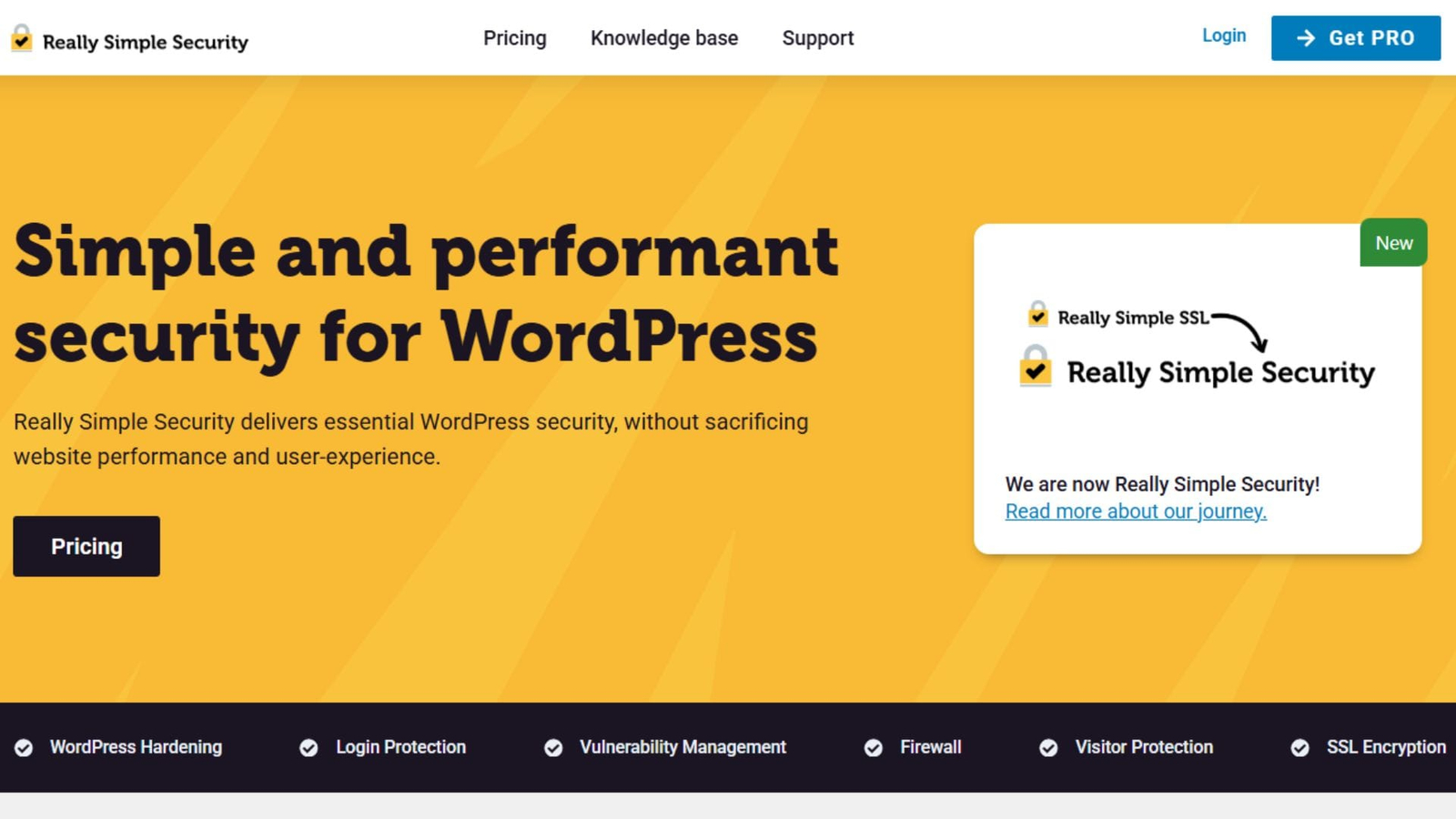
Many site owners want protection without complexity. They do not want to spend hours reading technical guides or adjusting settings they barely understand. They want something that works quickly, protects common risks, and does not slow down the site. Really Simple Security promises exactly that. It focuses on fast SSL setup and practical protection features that cover the most common threats.
This review takes a close look at how Really Simple Security works, what it does well, and where it may fall short. Instead of marketing claims, you will see real use cases, clear explanations, and honest insights. If you manage a WordPress site and want an easy way to improve security without stress, this guide will help you decide if this plugin fits your needs.
What Is Really Simple Security?
Really Simple Security is a WordPress plugin designed to handle two main tasks:
- Enable and manage SSL correctly
- Add essential security protections without heavy setup
The plugin started as an SSL-focused tool and later expanded into a broader security solution. This makes sense because SSL is often the first security step site owners take, yet many still struggle with mixed content errors or redirect issues.
Core Focus Areas
The plugin concentrates on areas that matter most for small to medium WordPress sites:
- SSL activation and enforcement
- Login and user protection
- Basic firewall rules
- Security headers
- Vulnerability checks
Instead of offering dozens of features, it focuses on the ones most sites actually need.
Fast SSL Setup Without Confusion
Why SSL Matters More Than Ever
SSL encrypts data between the visitor’s browser and your website. Without it, login details, contact forms, and payment data can be exposed. Browsers now warn users when a site does not use HTTPS, which hurts trust and search visibility.
How Really Simple Security Handles SSL
The plugin scans your site and detects whether an SSL certificate is active. If one is present, it helps switch the site from HTTP to HTTPS safely.
Key SSL features include:
- Automatic HTTPS redirection
- Mixed content detection and fixing
- SSL configuration checks
- Security headers linked to SSL
You do not need to touch server files or write rules manually. For most users, the setup takes a few clicks.
Real-World Example
Imagine a WordPress blog that recently installed a free SSL certificate. After switching to HTTPS, images still load over HTTP, causing browser warnings. Really Simple Security detects these issues and fixes them automatically, removing the warning icon and restoring visitor trust.
Security Features That Cover Real Threats
Login Protection
Brute-force attacks target WordPress login pages every day. Even small sites get scanned by bots.
Really Simple Security helps by:
- Limiting login attempts
- Blocking suspicious IP addresses
- Adding extra checks to admin access
This reduces the risk of unauthorized access without locking out real users.
Firewall Rules
The plugin includes a lightweight firewall that blocks common attack patterns. It focuses on known vulnerabilities rather than complex rule sets.
This approach works well for site owners who want protection but do not want to manage firewall logic themselves.
File and Core Checks
Really Simple Security monitors WordPress core files for changes. If something unexpected happens, it alerts you. This helps catch issues early, especially after updates or plugin installs.
Performance and Ease of Use
Simple Dashboard Design
The dashboard is clean and easy to understand. Instead of technical terms, it uses plain language and clear warnings.
You see:
- Current security status
- Recommended actions
- Enabled protections
This makes it suitable even for beginners.
Impact on Site Speed
Security plugins often slow down websites. Really Simple Security keeps performance impact low by avoiding heavy scans and background tasks.
In most cases, users report no noticeable slowdown. This makes it a good option for content sites and small stores where speed matters.
Setup Time
Most users can complete the initial setup in under 10 minutes. The plugin guides you step by step and highlights what matters most.
Free vs Pro: What Do You Actually Get?
Free Version Highlights
The free version covers essential needs:
- SSL configuration
- Basic firewall
- Login protection
- Security headers
For many blogs and basic sites, this may be enough.
Pro Version Benefits
The Pro version adds deeper protection:
- Two-factor authentication
- Country-based login blocking
- Vulnerability detection for plugins
- Scheduled security scans
- Support priority
These features suit business sites and stores that handle user data or payments.
Comparison Table
| Feature | Free | Pro |
| SSL Management | Yes | Yes |
| Firewall | Basic | Extended |
| Login Protection | Yes | Yes |
| Two-Factor Login | No | Yes |
| Vulnerability Alerts | No | Yes |
| Support Level | Standard | Priority |
Who Should Use Really Simple Security?
Good Fit For
- Bloggers and content creators
- Small business websites
- WordPress beginners
- Sites that recently added SSL
- Users who want quick setup
Not Ideal For
- Large enterprise sites
- Custom server environments
- Users who need deep firewall control
If your site needs very detailed security rules or server-level monitoring, a more complex solution may be better.
Common Mistakes to Avoid When Using Security Plugins
Even simple tools need proper use. Here are mistakes many site owners make:
- Installing multiple security plugins that conflict
- Ignoring update notifications
- Assuming SSL alone means full protection
- Skipping backups
Really Simple Security works best when paired with regular updates and backups.
Conclusion
Really Simple Security delivers what many WordPress users want: quick SSL setup and solid protection without technical stress. It focuses on common risks and handles them in a clear, practical way. The plugin avoids unnecessary complexity and keeps performance stable.
For bloggers, small businesses, and anyone new to WordPress security, it offers a reliable starting point. The free version covers the basics well, while the Pro upgrade adds meaningful protection for growing sites.
The key takeaway is simple: website security does not have to be confusing. With the right tool and a few smart habits, you can protect your site and your visitors without turning security into a full-time job.
FAQs About Really Simple Security Plugin
What does Really Simple Security do?
Really Simple Security helps WordPress sites enable SSL correctly and adds basic security protections such as login limits, firewall rules, and security headers to reduce common threats.
Is Really Simple Security free to use?
Yes, it offers a free version that includes SSL management and basic security features. The paid Pro version adds options like two-factor login and vulnerability alerts.
Does Really Simple Security slow down a website?
No, it is designed to have minimal impact on site speed by avoiding heavy scans and complex background processes.
Can beginners use Really Simple Security?
Yes, the plugin is suitable for beginners. It uses clear language, guided setup steps, and simple controls instead of technical settings.
Does the plugin replace backups?
No, a security plugin does not replace backups. You should always use a separate backup solution along with any security plugin.
Is SSL enough to protect a WordPress site?
No, SSL only encrypts data in transit. You also need login protection, regular updates, and basic firewall rules to lower hacking risks.
Can I use Really Simple Security with other plugins?
Yes, but you should avoid using multiple security plugins at the same time, as they can conflict and reduce overall effectiveness.
When should I upgrade to the Pro version?
You should consider upgrading when your site handles user data, payments, or increased traffic and needs stronger login and vulnerability protection.
More Plugin Reviews