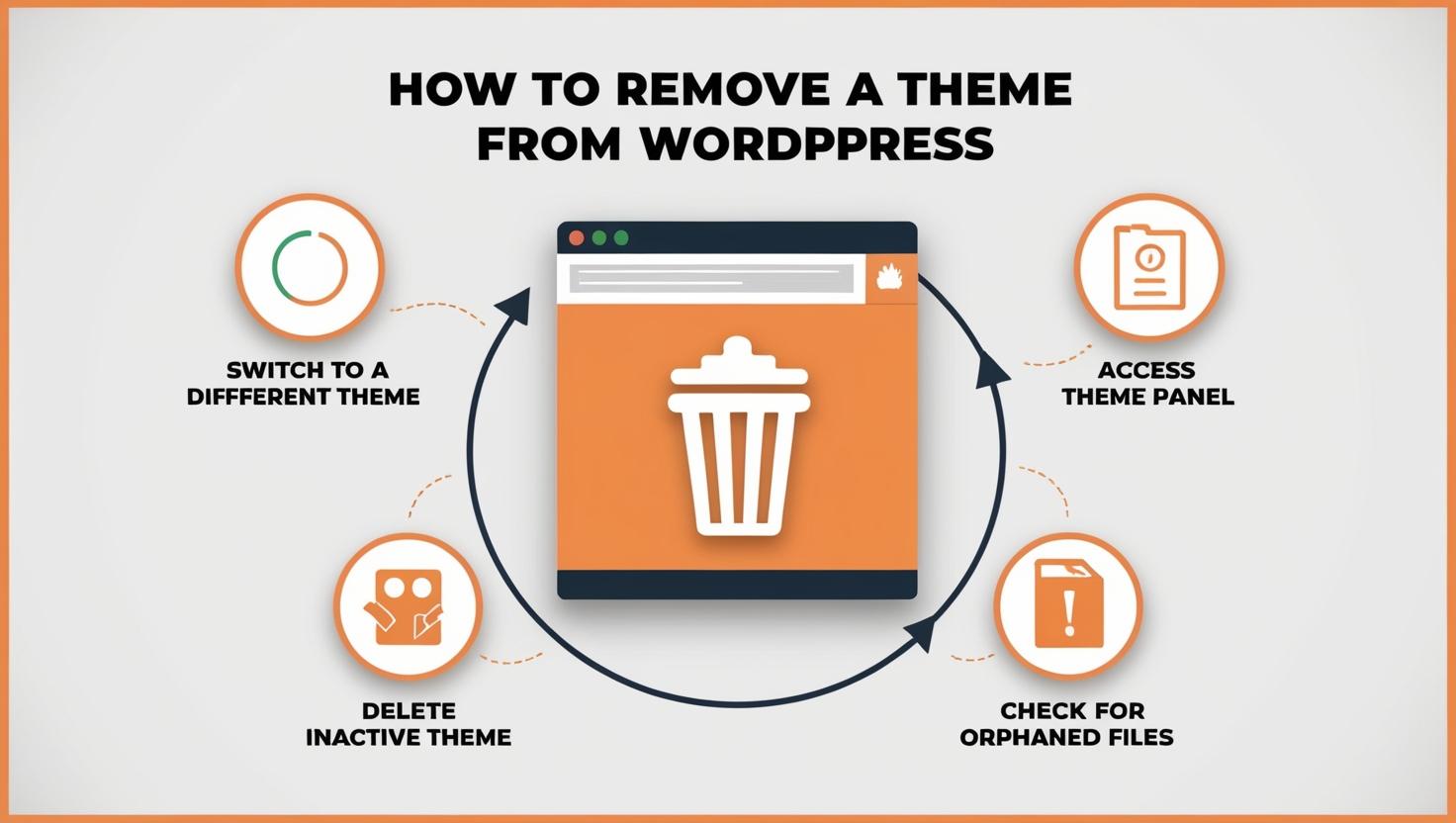
How to Remove a Theme from WordPress Safely and Cleanly Step-by-Step
Follow a clear step-by-step guide to remove a WordPress theme safely, delete leftover files, clean your database, and keep your website fast and secure.

Follow a clear step-by-step guide to remove a WordPress theme safely, delete leftover files, clean your database, and keep your website fast and secure.
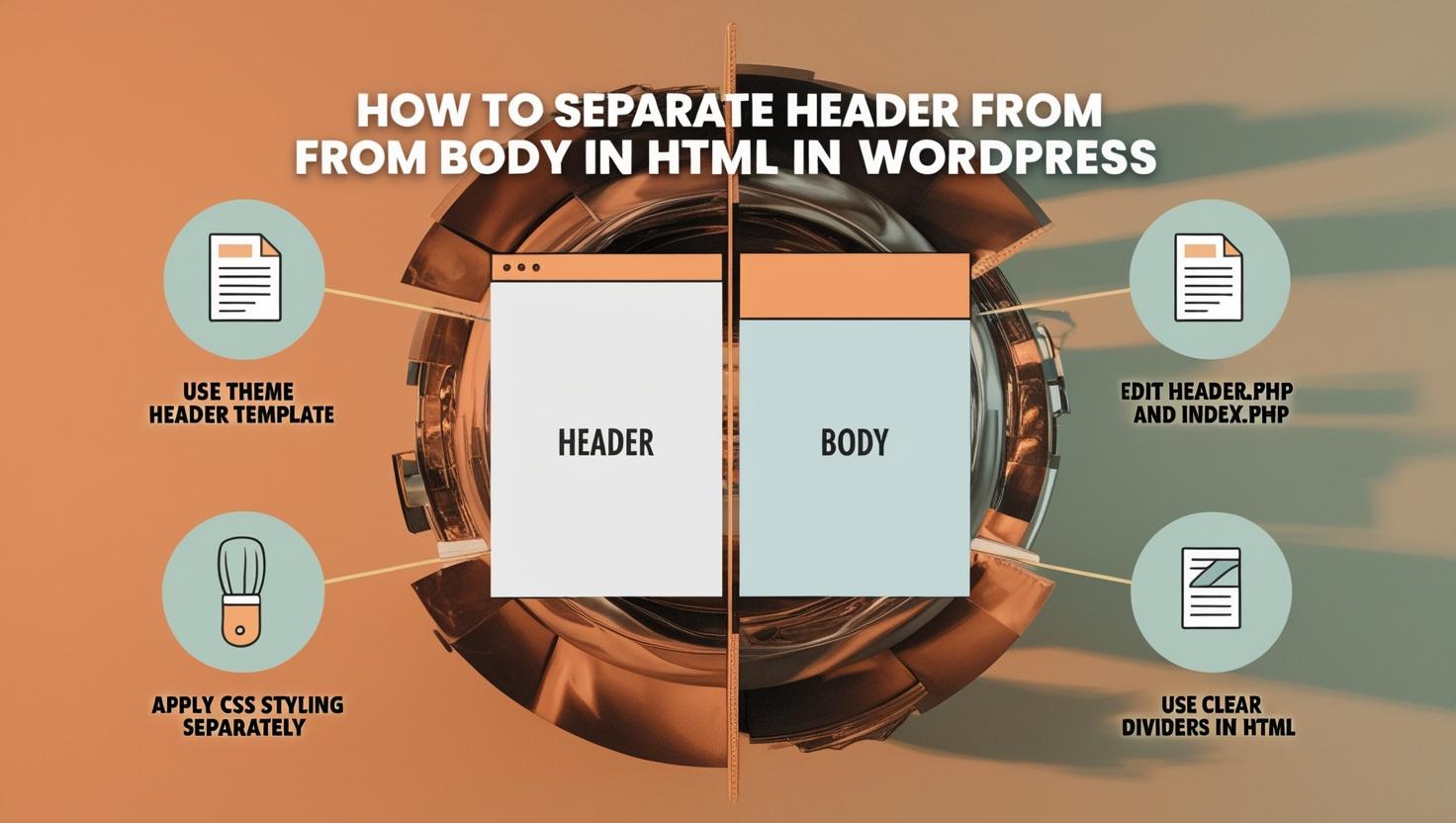
In Short: To separate the header from the body in WordPress, edit the header.php file for the header and the
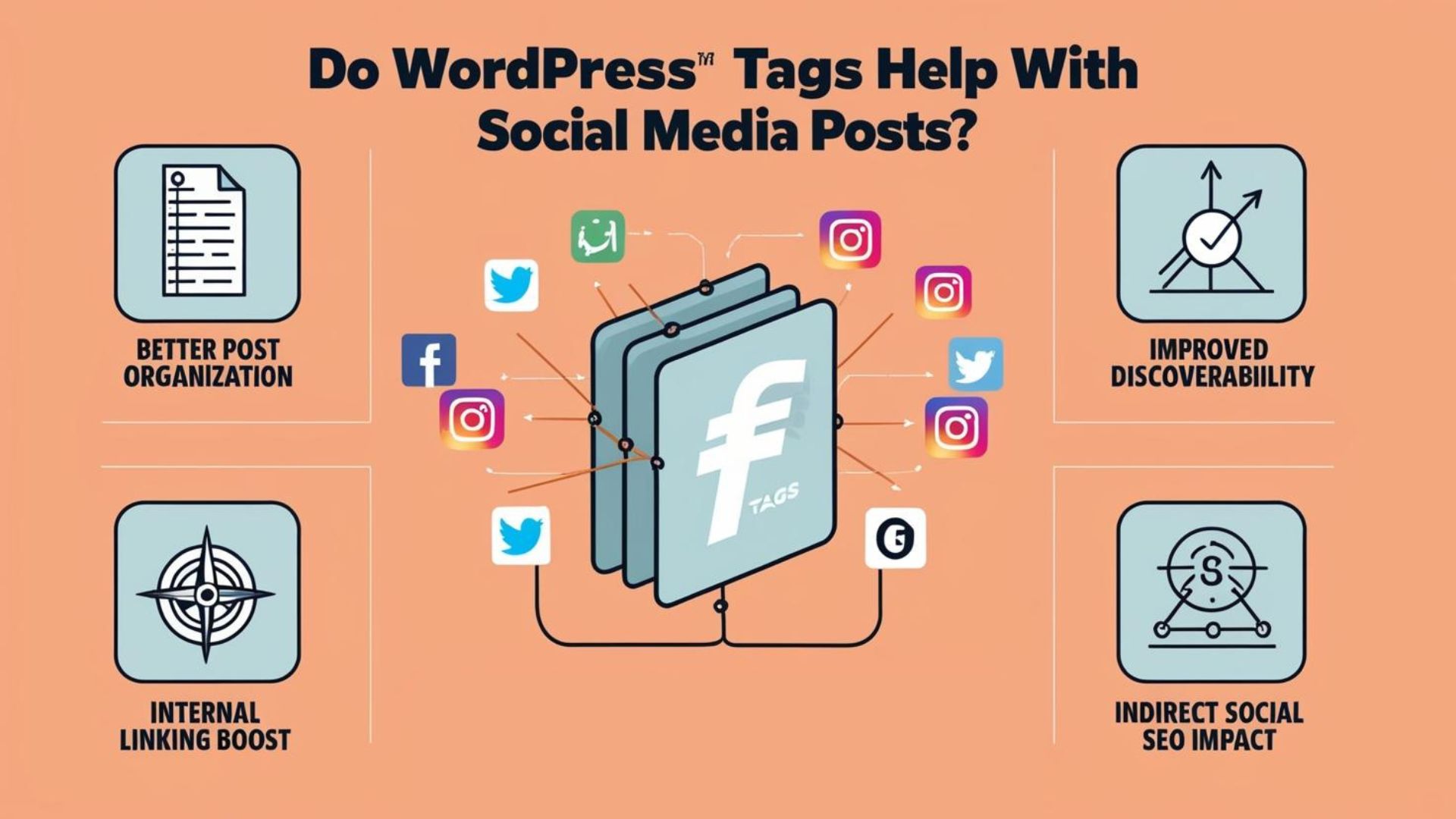
In Short: WordPress tags don’t directly impact social media but improve content organization and SEO, making it easier for users
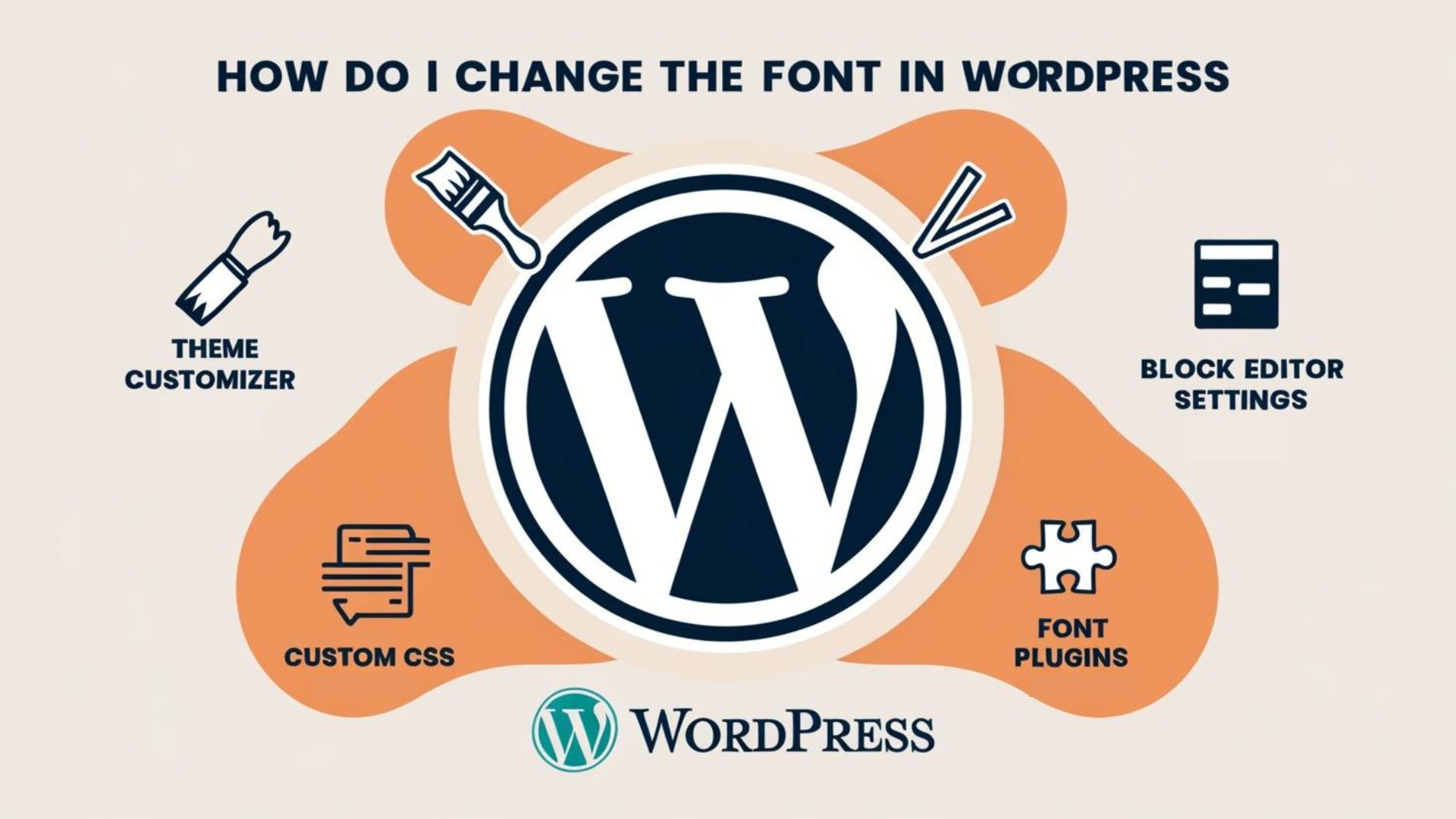
Learn how to change fonts in WordPress using Customizer, plugins, CSS, or page builders like Elementor for a personalized, readable, and engaging website design.
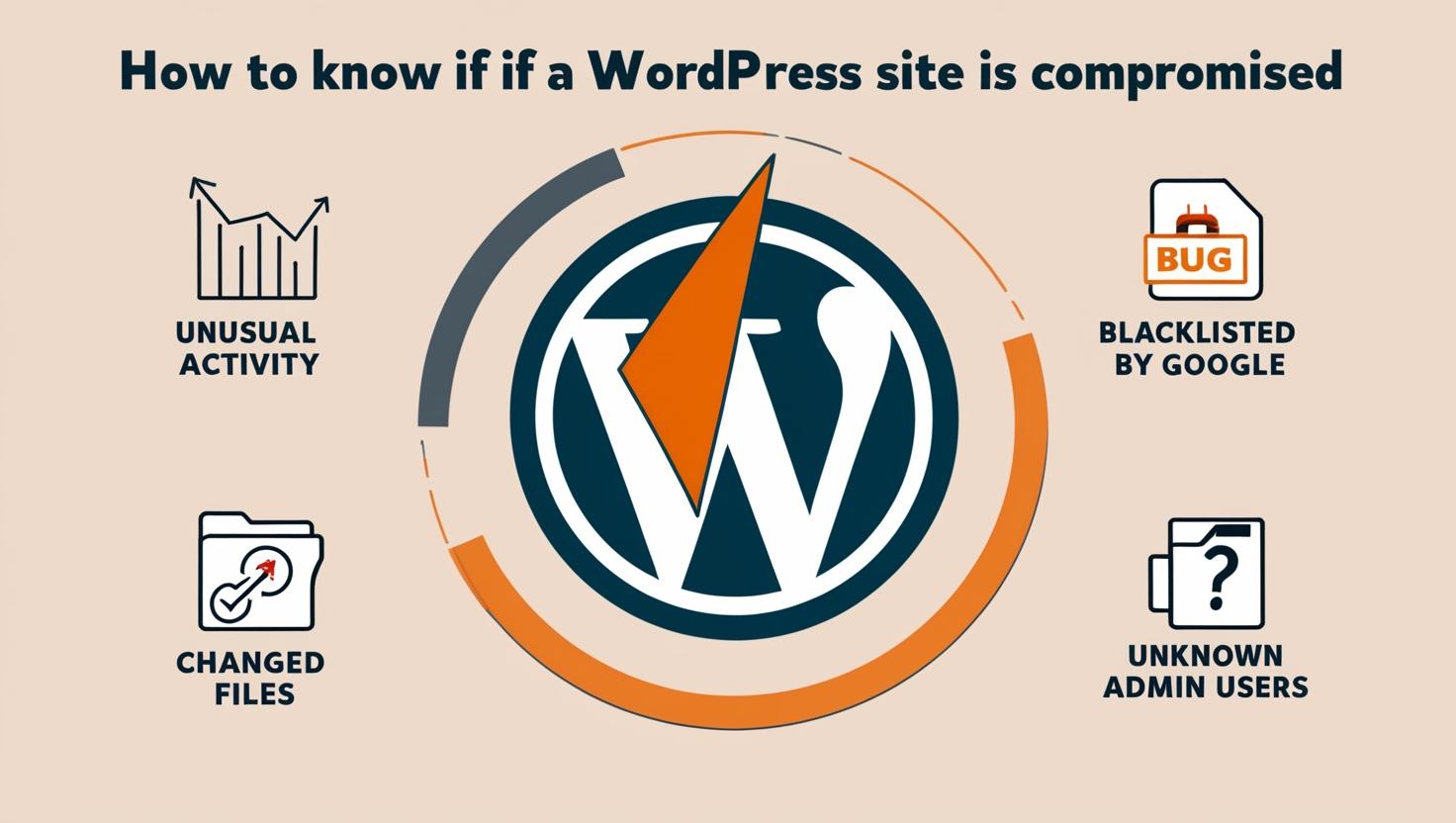
In Short: Check for redirects, unknown users, file changes, or malware alerts. Use security plugins like Wordfence or Sucuri to
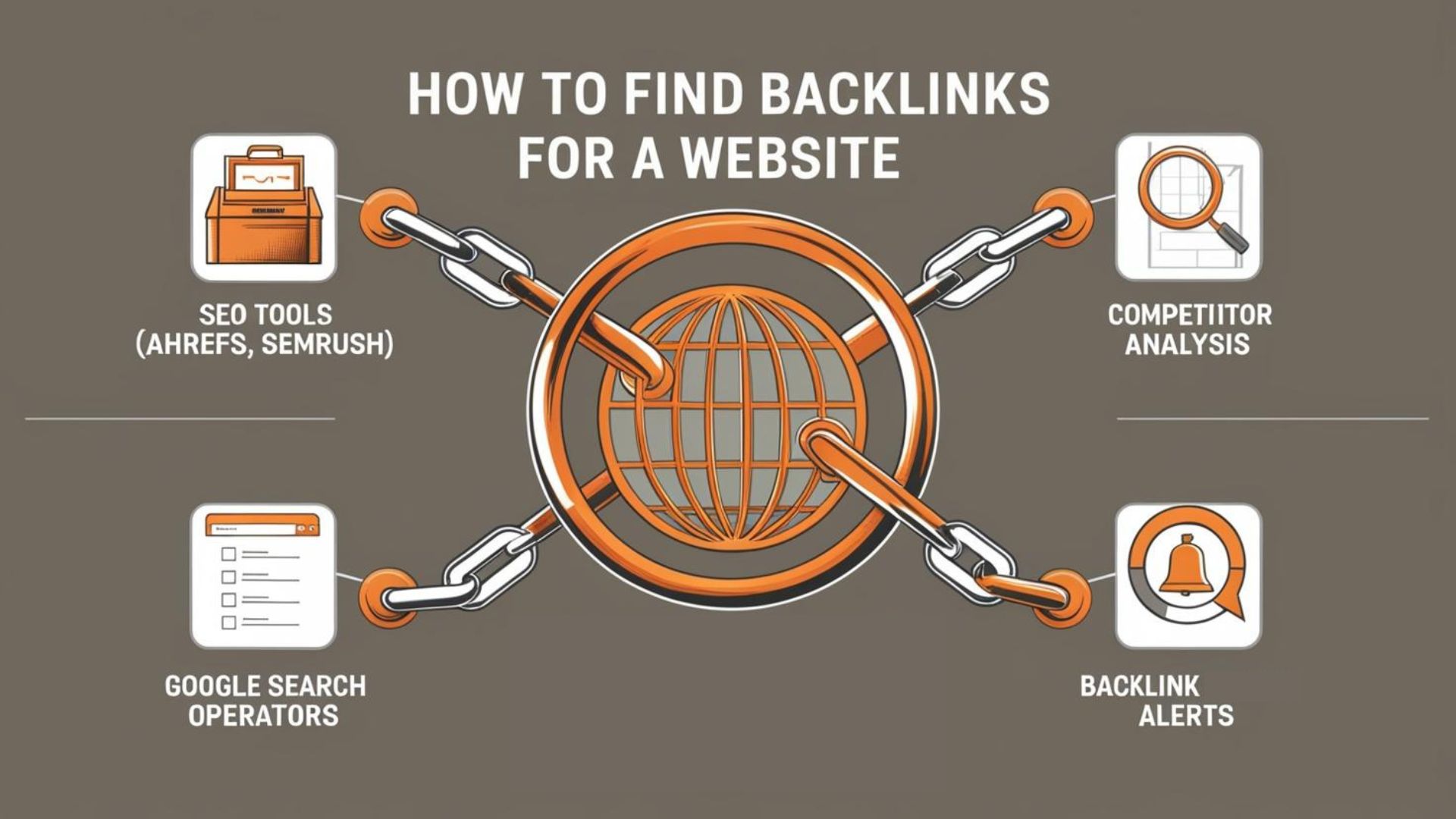
Learn how to find backlinks for a website using proven methods like competitor research, broken link building, and resource pages to boost SEO results.
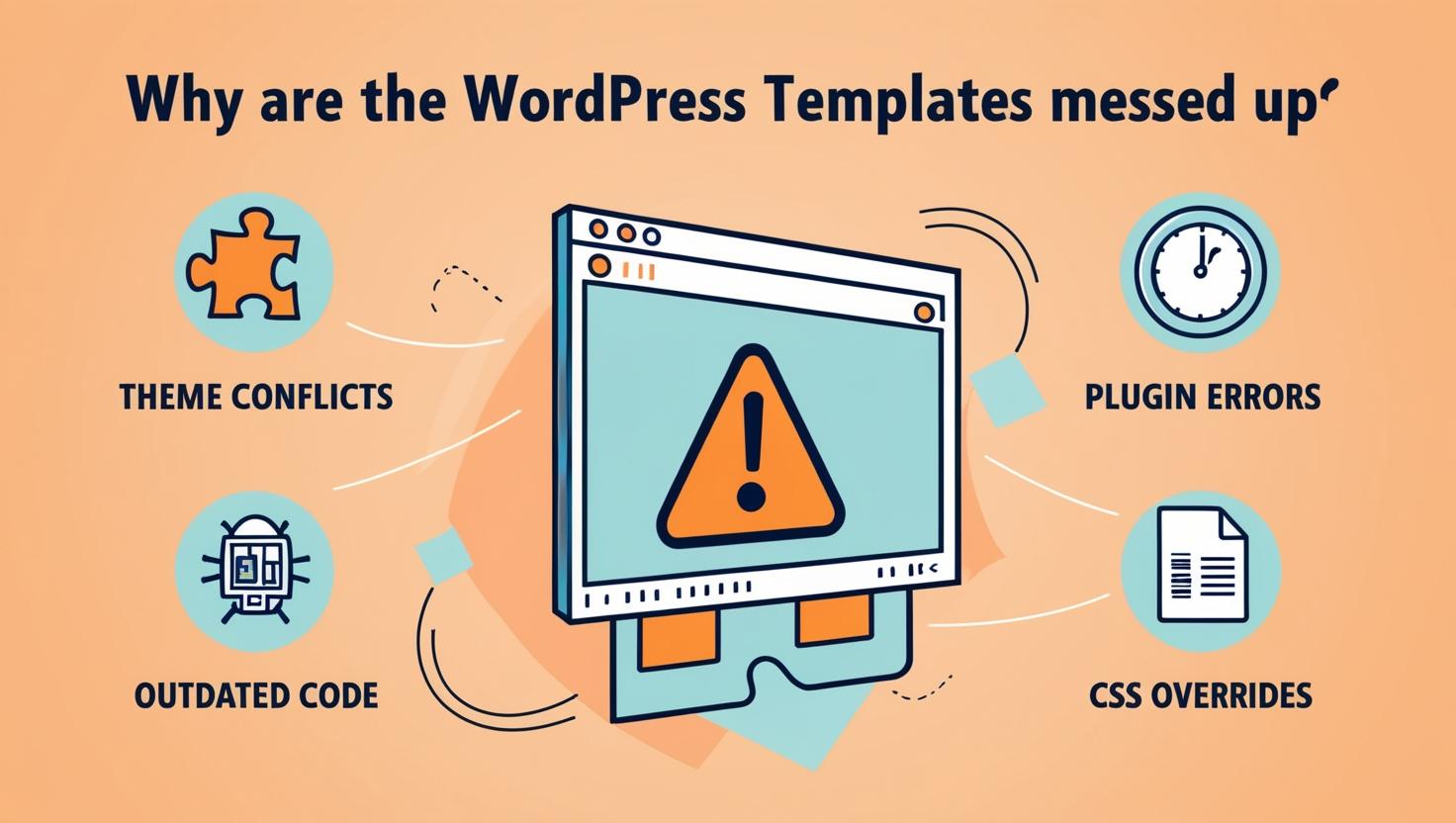
Learn why WordPress templates break and how to fix issues like layout errors, design glitches, responsiveness, and plugin conflicts to restore site performance.

Based in Gujarat, India, serving clients across India, the USA, and the UK.
A company that provides web design and SEO services, Based in Gujarat, India, and serving clients across India, the USA, and the UK.