
Table Of Contents
Introduction
Search engine optimization (SEO) remains a crucial aspect of building a successful website. Whether you’re a blogger, e-commerce store owner, or digital marketer, optimizing your content can significantly improve visibility, traffic, and engagement. One of the most popular tools for this purpose is the Yoast SEO plugin, a WordPress plugin designed to simplify SEO management.
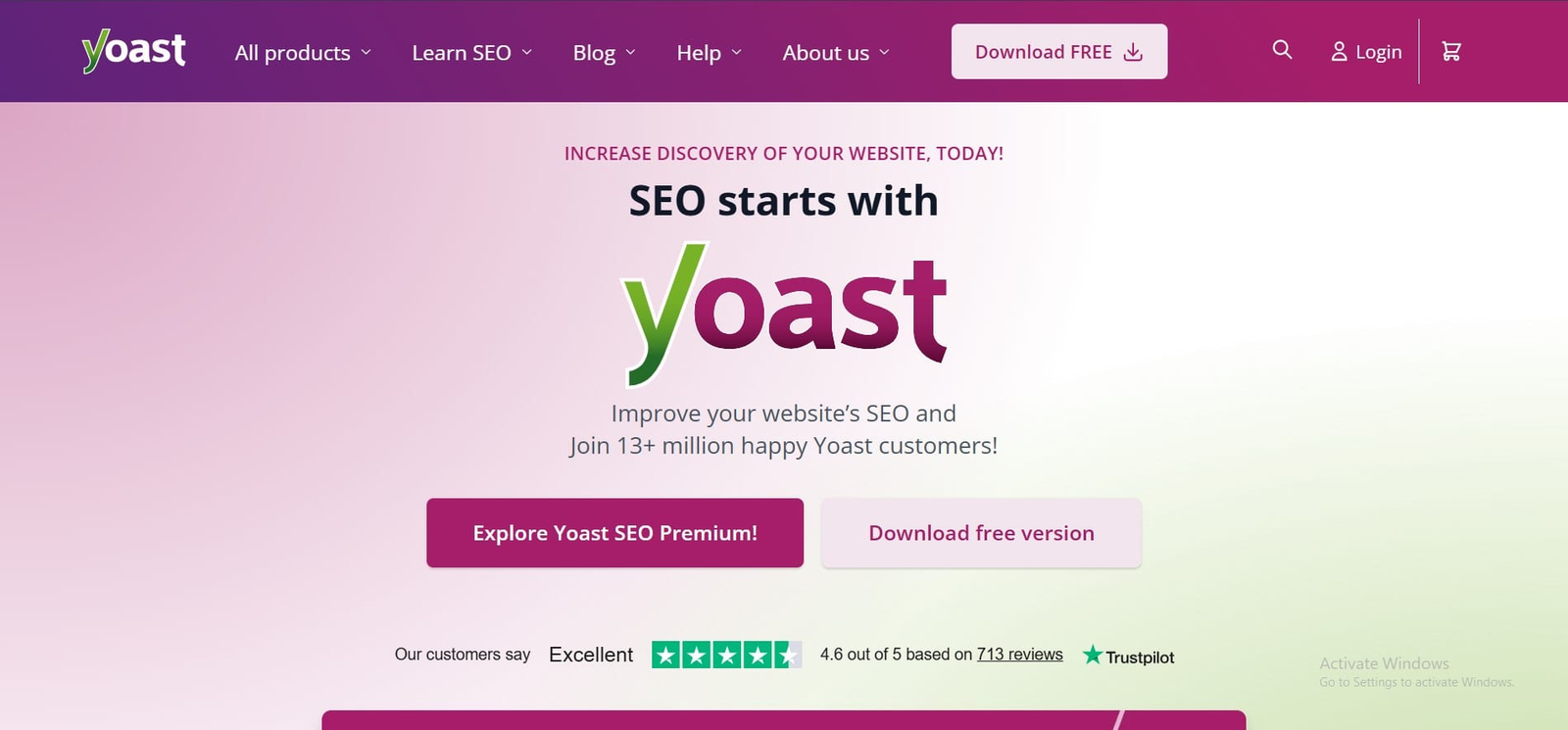
But with the digital landscape constantly evolving, it’s natural to ask: Does Yoast SEO still live up to its reputation in 2026? Can it truly help your website rank higher, or are there limitations you should be aware of?
Imagine creating a high-quality blog post or product page and not knowing if it’s fully optimized for Google. Yoast SEO promises to guide you through the process with real-time feedback, keyword analysis, and readability insights. This review explores the plugin in detail, covering its features, advantages, drawbacks, and overall performance so you can make an informed decision.
Key Features of Yoast SEO in 2026
Yoast SEO has evolved over the years, introducing new features that make content optimization easier. Here’s a breakdown of its core offerings:
1. Keyword Optimization
Yoast allows you to focus on primary and secondary keywords, ensuring that your content is optimized for search engines. Its analysis highlights:
- Keyword density
- Meta description optimization
- URL structure
For example, if your main keyword is “electric bikes,” Yoast will check how often and naturally the keyword appears in your headings, paragraphs, and meta tags.
2. Readability Analysis
Search engines favor content that is easy to read. Yoast’s readability checker uses metrics like sentence length, paragraph structure, and use of transition words.
A practical scenario: You’re writing a blog post about SEO tips. Yoast flags long sentences or excessive jargon, helping you make your content clearer for your readers.
3. Schema and Rich Snippets
Yoast integrates structured data markup automatically, which helps search engines understand your content. This feature improves chances of rich snippets, such as:
- Star ratings for reviews
- Event dates
- Product prices
Structured data boosts visibility in search results and encourages higher click-through rates.
4. Social Media Integration
Yoast allows you to customize content previews for social platforms like Facebook and Twitter. This ensures that shared content appears attractive and engaging, increasing social traffic.
5. Internal Linking Suggestions
Internal links are crucial for SEO. Yoast provides suggestions for related posts, helping you improve site structure and user navigation without extra effort.
Advantages of Using Yoast SEO
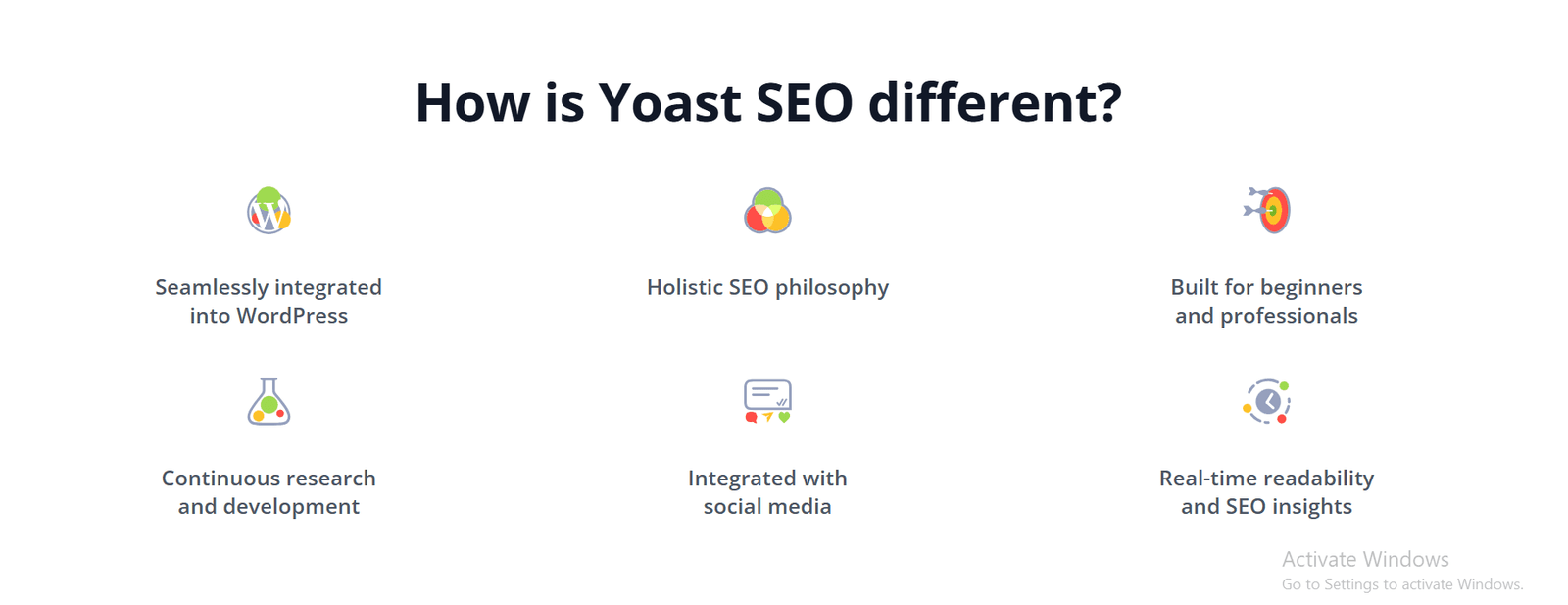
Using Yoast SEO brings several benefits that appeal to both beginners and experienced website owners:
1. Beginner-Friendly Interface
Even if you’re new to SEO, Yoast offers intuitive color-coded feedback. Green means good, orange suggests improvement, and red signals issues. This visual guidance simplifies optimization without overwhelming the user.
2. Saves Time on SEO Tasks
By automating keyword analysis, meta tag suggestions, and readability checks, Yoast saves hours of manual SEO work. Instead of juggling multiple tools, you get a centralized system.
3. Keeps Content Up to Date
Yoast frequently updates its plugin to reflect Google’s latest algorithms. This proactive approach helps ensure that your SEO strategies remain effective and compliant.
4. Comprehensive Content Insights
Yoast provides detailed analysis for each post, including word count, keyword distribution, and internal linking opportunities. This transparency helps you understand where improvements are needed.
Drawbacks and Limitations
While Yoast SEO offers a lot, it’s important to consider its limitations:
1. Cost of Premium Version
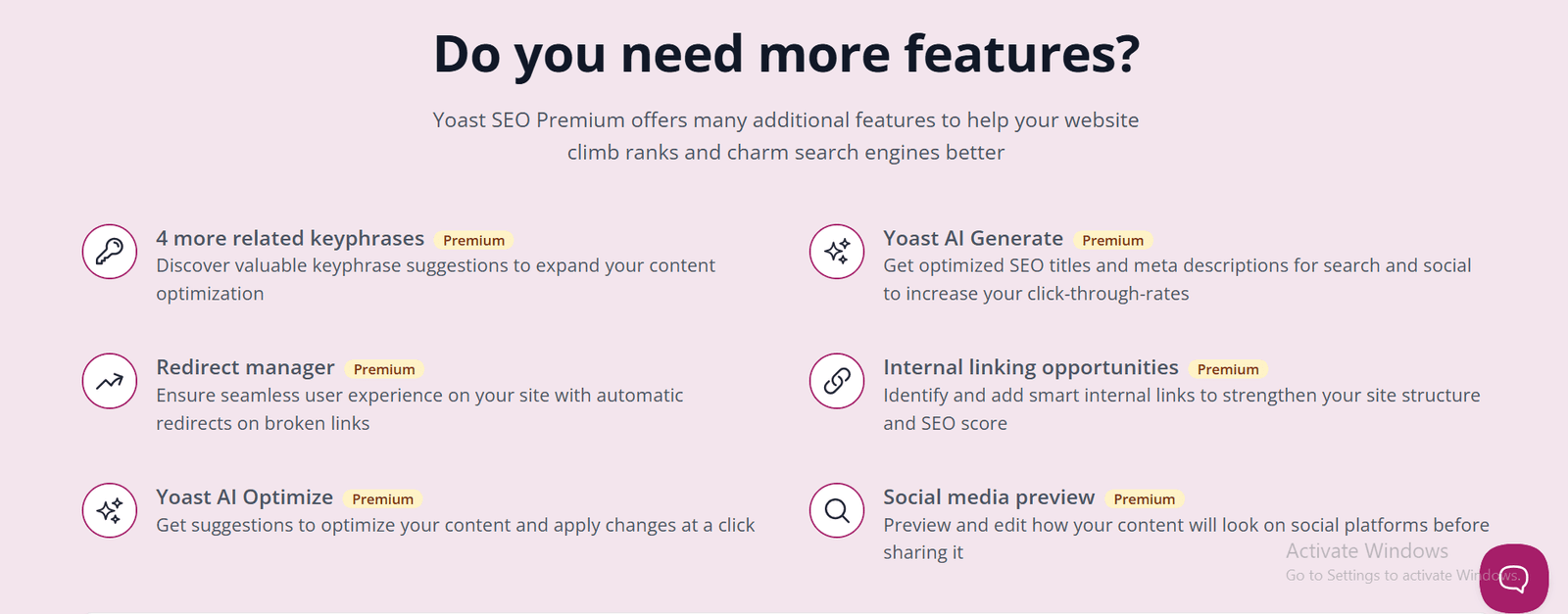
The free version covers basics, but advanced features require a subscription, which may not be affordable for small blogs or startups. Premium features include multiple focus keywords, redirect management, and internal linking suggestions.
2. Can Encourage Over-Optimization
Some users rely heavily on Yoast’s suggestions, which can lead to keyword stuffing or unnatural phrasing. It’s crucial to balance recommendations with human readability.
3. Performance Impact
On large websites, Yoast may slightly increase page load times due to additional scripts and database queries. Proper optimization and caching can mitigate this.
4. Limited Customization for Advanced SEO
Yoast simplifies SEO, which is excellent for beginners, but experts may find less control over advanced technical SEO elements, like schema tweaking or custom metadata.
Yoast SEO Performance in 2026
Yoast SEO continues to perform reliably in 2026. Its updates have strengthened compatibility with WordPress and major SEO trends:
- Page Experience: Ensures content meets Google’s Core Web Vitals standards.
- Mobile Optimization: Provides tools to enhance mobile readability.
- AI-Powered Suggestions: While Yoast avoids AI-heavy phrasing, its algorithms help improve keyword placement and content structure.
Real-world tests show that websites using Yoast SEO often see gradual improvements in organic traffic and search rankings when paired with high-quality content. However, Yoast works best as a guide rather than a replacement for a comprehensive SEO strategy.
Yoast SEO Pricing Overview
Yoast SEO offers both free and premium versions:
| Plan | Features Included | Cost (2026) |
| Free | Basic SEO analysis, readability checks, meta description editing | $0 |
| Premium | Multiple focus keywords, redirect manager, internal linking suggestions, ad-free support | $99/year |
The free version is sufficient for most beginners, while premium suits businesses or professional bloggers who need advanced features.
Tips for Using Yoast SEO Effectively
To maximize Yoast SEO’s potential, consider these strategies:
- Focus on Quality Content: Use Yoast as a guide but prioritize engaging and informative writing.
- Monitor Keyword Density: Avoid over-optimization; aim for natural keyword placement.
- Leverage Internal Linking Suggestions: Strengthen site architecture and keep readers engaged.
- Regularly Update Content: Revisit older posts to ensure SEO metrics remain current.
- Combine With Other Tools: Use Google Search Console or analytics tools for a complete SEO picture.
Conclusion
Yoast SEO remains a powerful tool in 2026 for anyone looking to improve their website’s search performance. Its combination of keyword optimization, readability analysis, schema integration, and social media support makes it suitable for beginners and professionals alike. While there are limitations, such as premium costs and potential over-optimization, the plugin provides clear, actionable insights that save time and improve visibility.
The key takeaway: Yoast SEO works best when combined with high-quality content, consistent updates, and a strategic SEO approach. It’s not just a plugin—it’s a practical guide that helps you understand how to make your website search-engine-friendly, step by step.
FAQs About Yoast SEO
What is Yoast SEO used for?
Yoast SEO is a WordPress plugin used to optimize website content for search engines. It helps with keyword placement, readability, meta tags, internal linking, and structured data, improving visibility and search rankings.
Is Yoast SEO free to use?
Yes, Yoast SEO offers a free version with basic features like keyword optimization and readability checks. Advanced tools like multiple focus keywords and redirect management are available in the premium version.
How does Yoast SEO improve readability?
Yoast analyzes sentence length, paragraph structure, and use of transition words. It highlights areas needing improvement, helping writers create content that is easy to read and understand.
Can Yoast SEO help with mobile optimization?
Yes, Yoast ensures content is mobile-friendly by analyzing readability, structure, and layout, which contributes to better performance on mobile devices and improved SEO rankings.
Does Yoast SEO support rich snippets?
Yes, Yoast adds structured data automatically to posts and pages. This helps search engines display rich snippets like ratings, event details, or product information, increasing visibility.
What are the main limitations of Yoast SEO?
Key limitations include premium costs, potential over-optimization, slight performance impact on large sites, and limited customization for advanced SEO techniques.
Is Yoast SEO suitable for beginners?
Absolutely. Its color-coded feedback, intuitive interface, and step-by-step guidance make it beginner-friendly, simplifying SEO without requiring technical expertise.
How often should I update content with Yoast SEO?
Update content regularly to maintain keyword relevance, improve readability, and align with algorithm changes. Revisiting older posts every 3–6 months ensures consistent SEO performance.